Platform Governance
Part of Ecommerce platform security and access
Reviewing app access to customer and order data
Check what ecommerce apps and API credentials can read or change, why they need it and how to remove access safely.
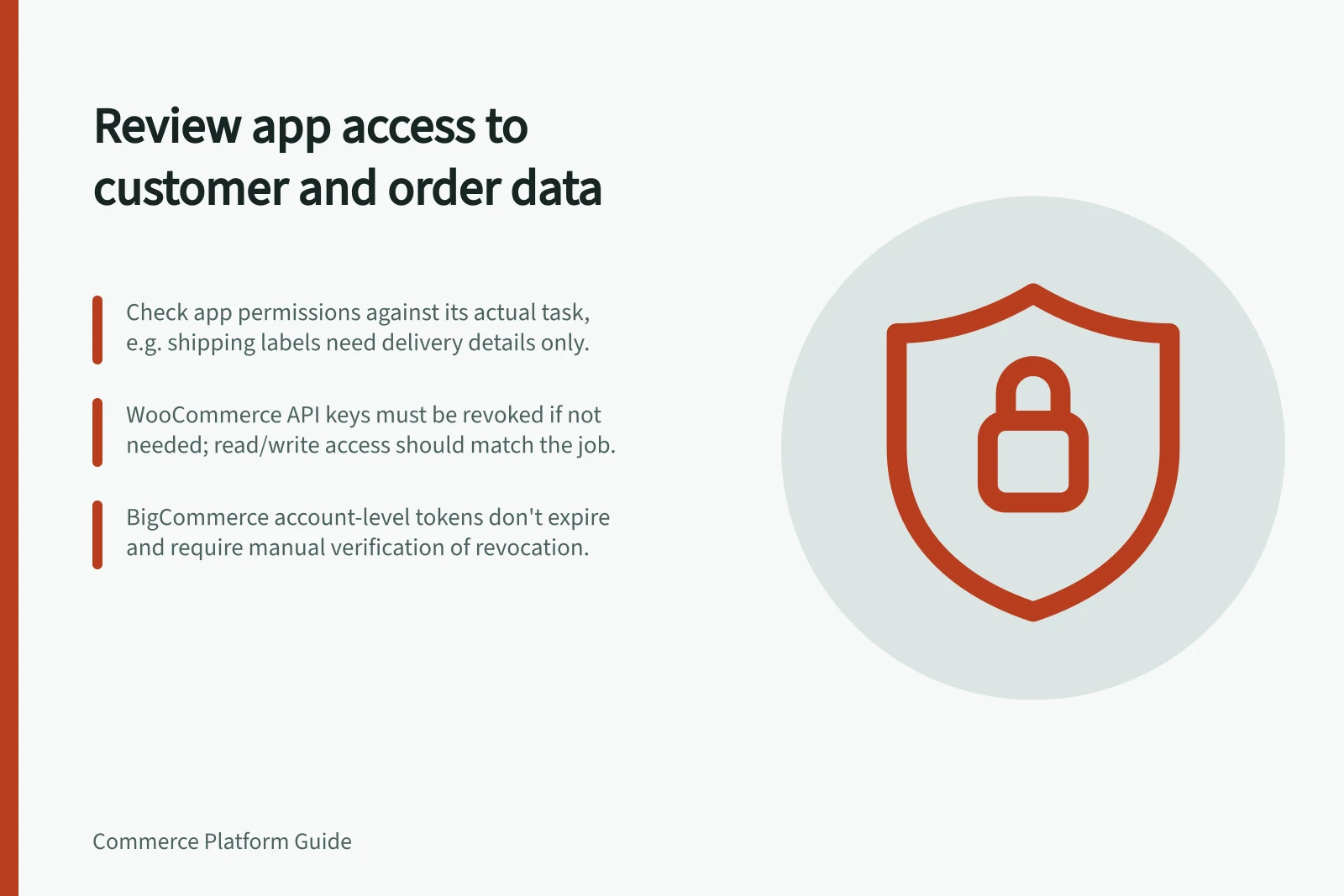
Compare the customer and order data an app can access with the job it performs. A shipping-label app may need delivery details; that alone would not justify unrelated write access. Check the permission granted, the data used and what would stop working if access were removed.
Start with the purpose
Record each app or integration's supplier, purpose, business owner and connected account. Separate customer identity, contact details, addresses, order lines, payment status and purchase history.
“Order access” can cover more than one workflow needs.
Question / Decision to record
- What job does the app perform?
- The outcome it supports
- What can it read or change?
- Granted scopes, key permissions and other connected access
- Is the access used?
- Available activity information and the supplier’s explanation
- Where does data go?
- Connected systems and contractual retention terms
- What happens on removal?
- Affected workflow, needed export and replacement operator
Where the Australian Privacy Principles apply, APP 11 requires reasonable steps to protect personal information an entity holds. It also requires reasonable steps to destroy or de-identify information no longer needed for an APP-permitted purpose, subject to exceptions such as legal retention requirements.
Inspect the available controls
Use each connection's permission or scope details to compare its access with the app's stated task. These controls describe granted access; do not infer field-level limits unless they are shown.
WooCommerce REST API keys are tied to a selected WordPress user and can be set to read, write or read/write. Check the key's permission and selected user. These broad settings do not establish field-by-field limits for the integration.
BigCommerce offers store-level, app-level and account-level OAuth API credentials. Account-level credentials include a single access token belonging to the parent account of the store the user is signed in to when the token is created.
Check the credential type, scopes and intended stores. An installed plugin or supplier service may have additional access paths.
API Access Control Summary by Platform
- WooCommerce API Key Permissions
- Read, Write, Read/Write (user-specific)
- BigCommerce Credential Types
- Store-level, App-level, Account-level OAuth
- Account-Level Token Expiry
- Does not expire; cannot be manually invalidated
- Australian Privacy Principle 11 Requirement
- Reasonable steps to protect and de-identify data no longer needed
Decide whether to keep, change or remove access
Keep access when its purpose, owner and scope are justified. If a permission looks broader than the work requires, ask the supplier whether a narrower supported configuration exists. If the app is no longer needed, check dependent work before removing it.
Before disconnecting an app, check whether dependent work relies on it, whether data needs to be exported, and whether separate removal or billing steps apply. Ask the supplier what customer or order data it retains after disconnection; removing technical access does not establish deletion of earlier copies.
Review and revoke unjustified WooCommerce API keys; the REST API settings provide a Revoke Key link.
For BigCommerce, use the documented API-account credential revocation process. Its documentation says access tokens do not expire based on time and cannot be manually invalidated, so verify revocation rather than assuming disconnection alone removes access.
Record the decision, approver and review date. Recheck access when an app changes purpose or asks for new permissions.