Platform Governance
Part of Ecommerce platform governance
Deciding when to remove an app rather than add another one
Decide whether to keep, reconfigure, replace or remove a store app after checking its unique work, dependencies and data.
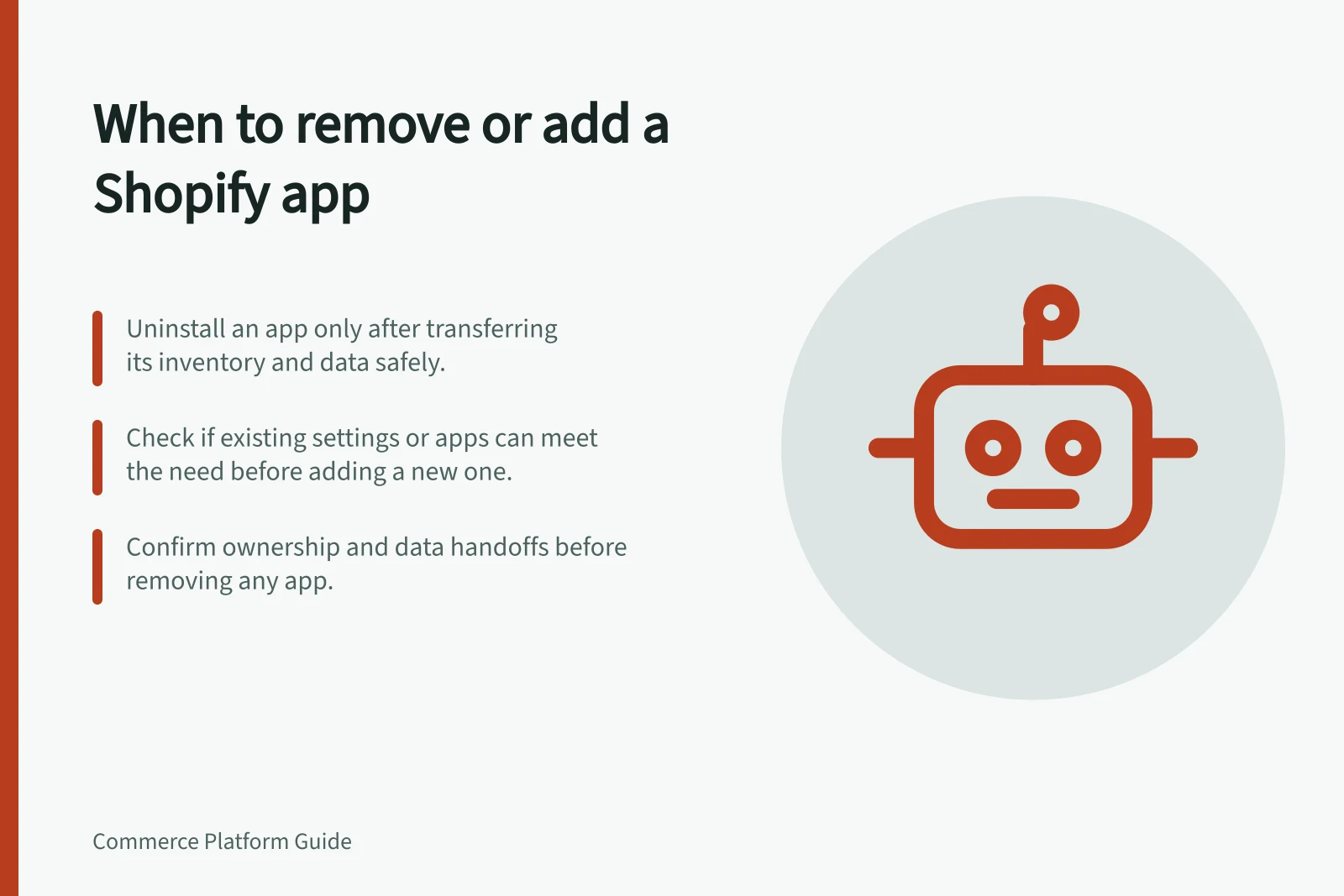
Remove an app when its job is no longer needed, or another supported part of the store can do it, provided its dependencies and data have a safe destination. Add an app when a defined requirement remains unmet and the proposed addition has an owner. Start with the work the store needs, not the number of apps installed.
Name the unmet outcome
Write the request as a customer or staff result, such as showing a delivery message for particular products or sending a paid order to a fulfilment queue. List the tools involved. One app may set a rule while another displays its result; removing the visible part without tracing the rule could break the task.
Ask three questions before adding a tool:
- Can a maintained setting, theme component or existing app provide the result?
- Is the current app doing unique work that would be lost?
- If it is replaced, who moves its data and checks the affected orders or pages?
Overlapping features make an app a candidate for consolidation, but do not prove it is safe to remove. A quiet storefront component may still run an order or inventory process.
On Shopify, an app's about page can show active extensions and functions, billing, permissions, app history and activity. Treat it as one clue alongside staff and supplier records.
Key facts about Shopify app management
- App about page detailsShows active extensions, functions, billing, permissions, history and activity
- Billing after uninstallUninstall stops future recurring charges, but charges already generated for upcoming invoices remain
- Inventory managementIf an app manages inventory at an app location, it must be transferred or deleted before uninstalling
Compare the options on the same job
Option / Decision to establish
- Keep the existing app
- Does it meet the current need with a clear owner?
- Reconfigure an existing component
- Can it produce the result without losing another required function?
- Replace and remove
- Can the new route cover essential dependencies and data handoffs?
- Add alongside
- Is the new job distinct, and who maintains the boundary?
A built-in feature is not automatically equivalent to an app. Check the affected page or order in the proposed configuration. Compare the customer result, staff action, failure contact and continuing maintenance work. Record billing routes, but confirm actual charges before claiming a saving.
Make removal a planned change
Before uninstalling a Shopify app, review its dependent workflows, data to export, possible theme-code cleanup and separate supplier billing. Uninstalling stops future recurring Shopify app billing cycles, but a charge already generated for an upcoming invoice may remain. An externally billed subscription needs separate cancellation. Previous app settings or data might not return on reinstallation.
If a fulfilment app manages inventory at an app location, Shopify requires that inventory to be transferred or deleted as part of uninstall. If an app supports an active order feed, establish where pending and completed work will be found before disconnecting it. Record an agreed replacement or an explicit decision to stop using each affected function.
Plan removal when an owner can check the result. Capture the current configuration, then inspect the relevant storefront task and staff record afterwards. Include an exception, such as an unavailable item or rejected order handoff, where the app handles it.
Choose removal when the business can explain what disappears, what remains and how it will respond if the result is wrong. Choose an additional app when the remaining requirement is specific, its proposed route is supported and the team accepts another supplier and maintenance dependency.