Platform Governance
Part of Ecommerce platform security and access
Checking platform backup and recovery options
Check what an ecommerce backup includes, how it can be restored and how to account for orders placed after its recovery point.
Check a backup by asking what it can restore, how recent that recovery point is and who can perform the restore. An export file or an assurance that backups exist answers only part of the question. The store also needs to account for orders and changes made after the recovery point.
Define what must be recovered
Consider an accidental product edit, a broken theme or extension update, missing orders and an unavailable store. For each event, identify what must return and which trading functions can pause. Correcting one product may need a different route from restoring a damaged self-hosted site.
Set the oldest acceptable recovered information and the longest acceptable interruption as business requirements, not promises implied by a platform plan. Name who tells fulfilment and customer service which orders may be affected.
Recovery question / Evidence to request
- What is captured?
- Applicable products, customers, orders, files, theme, settings and app-held data
- When was it captured?
- Schedule and latest successful recovery point
- Where is it held?
- Storage, access owner and retention period
- How is it restored?
- Operator, destination and documented steps
- What falls in the gap?
- Orders and changes after the selected point
Check the platform boundary
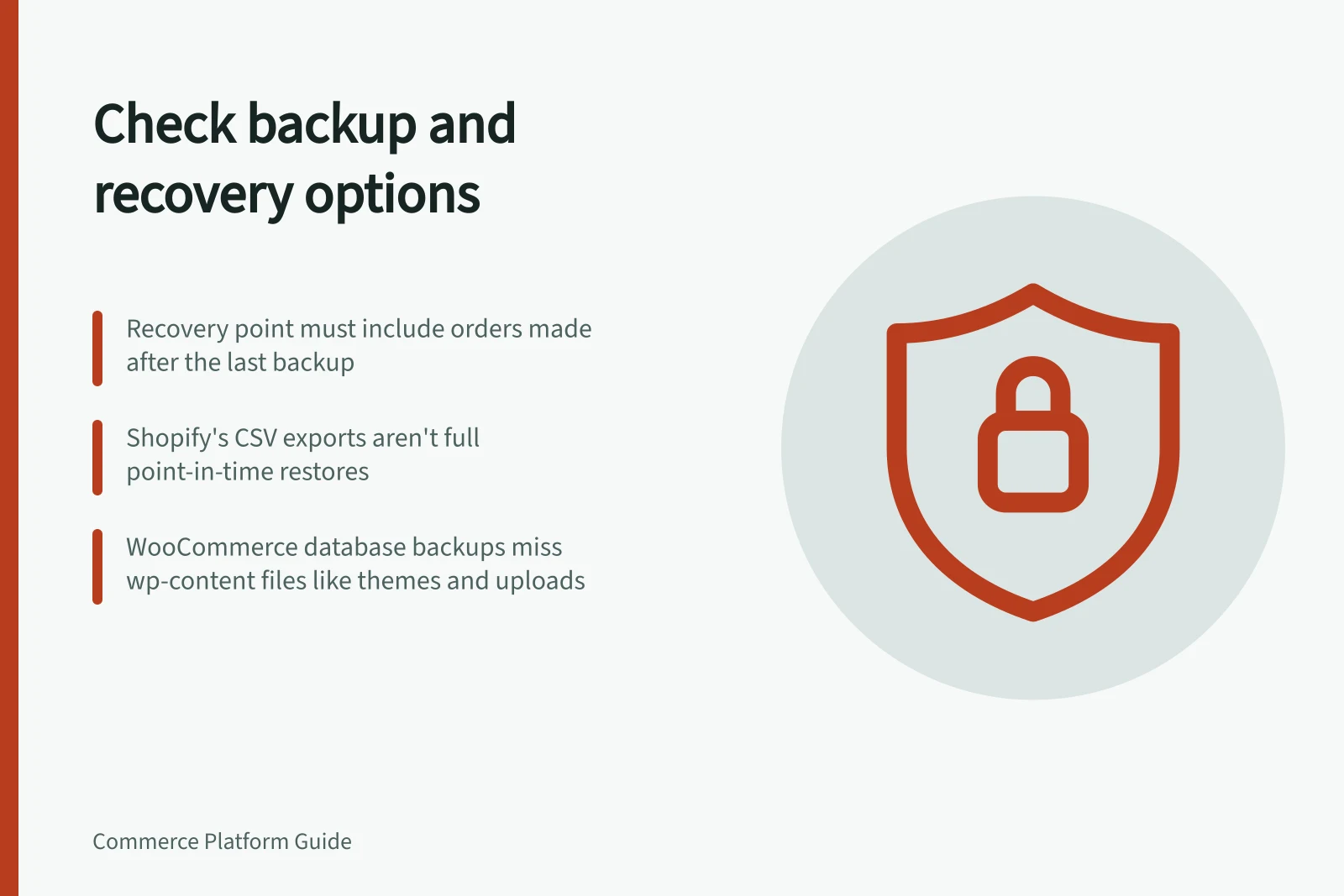
Shopify documents CSV exports for products, customers, orders and other datasets, along with theme downloads and backup apps. Its store-duplication instructions require apps to be reinstalled and settings such as tax, shipping, checkout and payments to be configured again.
Orders cannot be imported into another store through the Shopify admin. Ask which records can be restored into the existing store, which need another import route and which settings require manual work. A CSV download is not a complete point-in-time restore.
For WooCommerce, store data spans the database and wp-content files containing themes, extensions and uploads. WooCommerce's manual backup instructions cover both; a database-only backup omits site files.
Confirm what the host or backup service actually captures and who operates its restore. An older database restore can leave a gap in orders and customer information. Stores using WooCommerce Subscriptions have additional renewal and subscription records to reconcile.
For a hosted service, obtain recovery terms for the purchased plan and any added backup service. Provider infrastructure backups do not automatically establish a merchant-accessible restore. For a self-hosted store, identify whether the host, agency or merchant performs each step.
Rehearse and reconcile
Where the service permits it, restore a selected backup into a safe test environment. Compare a known product, order and setting with their expected state at that recovery point. Record the source of the backup, the operator, the time observed during that exercise and the work still needed. One rehearsal is evidence about that configuration, not a general recovery-time guarantee.
Before restoring over a live store, preserve current order and payment records needed to reconcile the gap. After recovery, compare accepted orders with payment and fulfilment records and identify transactions created after the backup. A storefront can look correct while later purchases are absent.
Keep the recovery route, latest checked backup, operator, reconciliation owner and next rehearsal date together. An option is adequate when the business can explain how its required trading functions would resume.