Platform Governance
Part of Ecommerce platform security and access
Assigning store permissions by staff responsibility
Map ecommerce staff duties to store permissions, check role limits and manage access changes without giving everyone administrator rights.
Assign access by the actions a person must perform, then check what the platform role also permits. A title such as “marketing” or “manager” is too vague: someone may need to publish products but have no reason to view customer addresses, issue refunds or install apps.
Write the task list first
For each person, list regular tasks and occasional cover duties. Record whether each task requires viewing, creating, changing, approving, exporting or deleting information. Include agency collaborators and temporary staff.
| Responsibility | Access to consider | Boundary to check |
|---|---|---|
| Merchandising | Products, collections and relevant content | Payment and user management |
| Order service | Orders and contact details needed to resolve cases | Refund and export permissions |
| Finance | Payment, refund and reporting tasks | App installation and product publishing |
| Technical support | Specific settings, themes or integrations | Duration of access and who approves changes |
These are planning examples, not preset vendor roles. If one person covers two jobs, assess the combined access before granting it.
How to Assign Roles Based on Responsibility
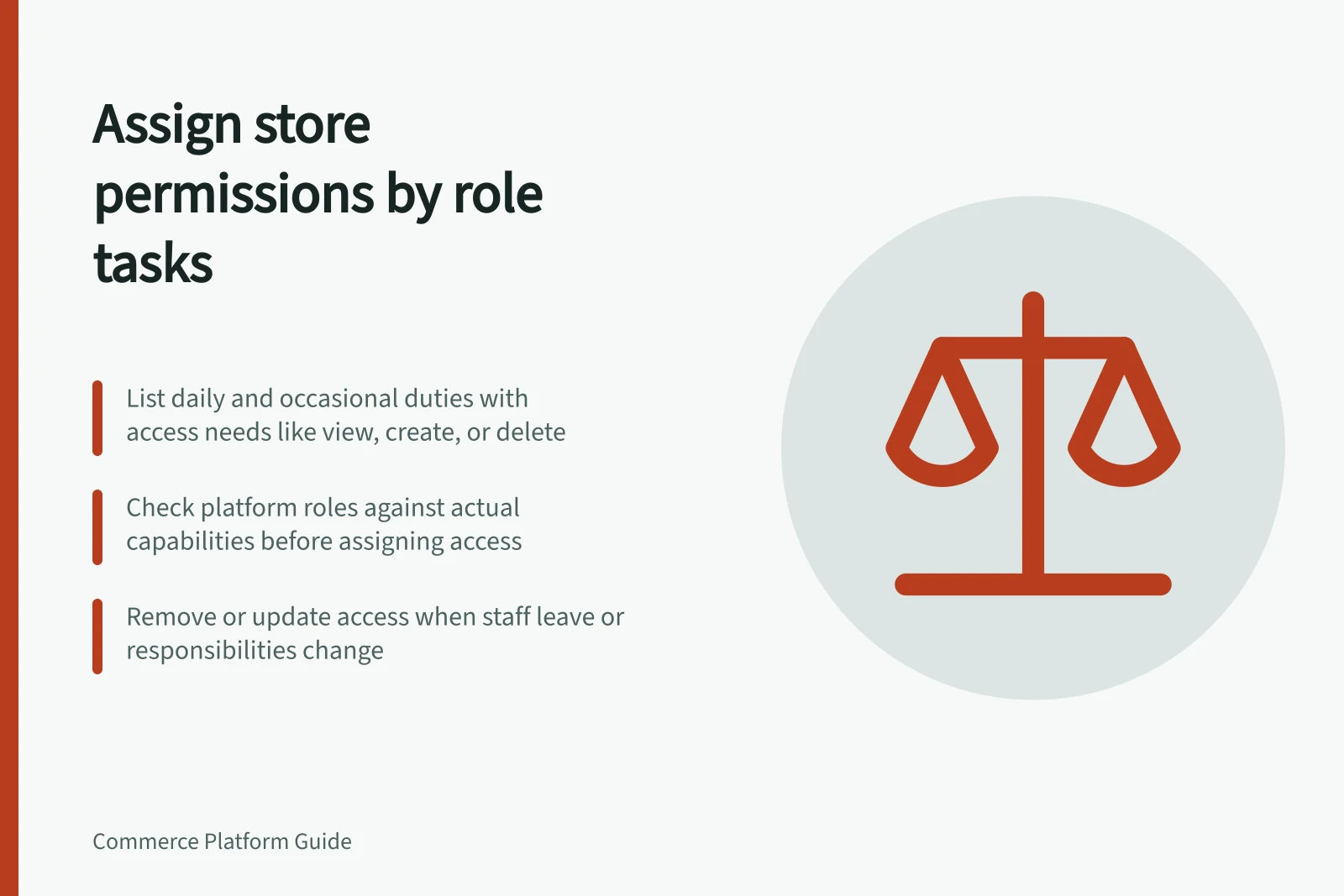
- List regular and temporary duties for each roleInclude actions like creating, editing, approving, exporting or deleting data.
- Identify required access levels per taskDetermine whether a user needs view, create, change, approve or delete rights.
- Check platform role limits before assigningVerify what each role actually allows in your system—don’t assume based on name.
- Test roles in a safe environmentUse a test account to confirm one allowed action and one blocked action.
Inspect the actual platform role
Check the platform’s current role options and limits before designing a staff role around a feature it may not provide.
WooCommerce adds Shop Manager to WordPress. That role can manage products, orders, coupons, reports, customers and WooCommerce settings without full WordPress Administrator access. It is still broad.
For someone who only edits product copy, investigate a narrower role or a configured role-management extension. Installed extensions can change capabilities, so inspect the actual store.
Before granting a role, use a separate account in a safe environment to check one required action and one action the person should be unable to perform. Check data export and changes as well as page access. Record the role configuration and result.
Platform Role Permissions: WooCommerce vs Shopify
- WooCommerce Shop ManagerManages products, orders, coupons, reports, customers and WooCommerce settings. Does not have full WordPress Administrator access.
- Shopify AdminFull access to all store functions including users, settings, apps, payments and data export.
- Shopify Staff Member (Custom Role)Can be limited to specific tasks such as order processing or product editing, but requires manual setup.
Control changes and departures
Keep a register of account holders, responsibilities, assigned roles, approvers and review dates. Revise access when work changes rather than accumulating roles indefinitely.
When a staff member leaves, remove or amend their platform access using the account-management controls available to your store. A departure check should also cover accounts and credentials outside the platform. Removing a store login does not remove access to an external service or shared mailbox.
Review the matrix after a restructure, a new app or a security incident.