Platform Governance
Part of Ecommerce platform governance
Scheduling platform changes around trading periods safely
Use a trading calendar, change scope and available support to choose release windows and check the store after each change.
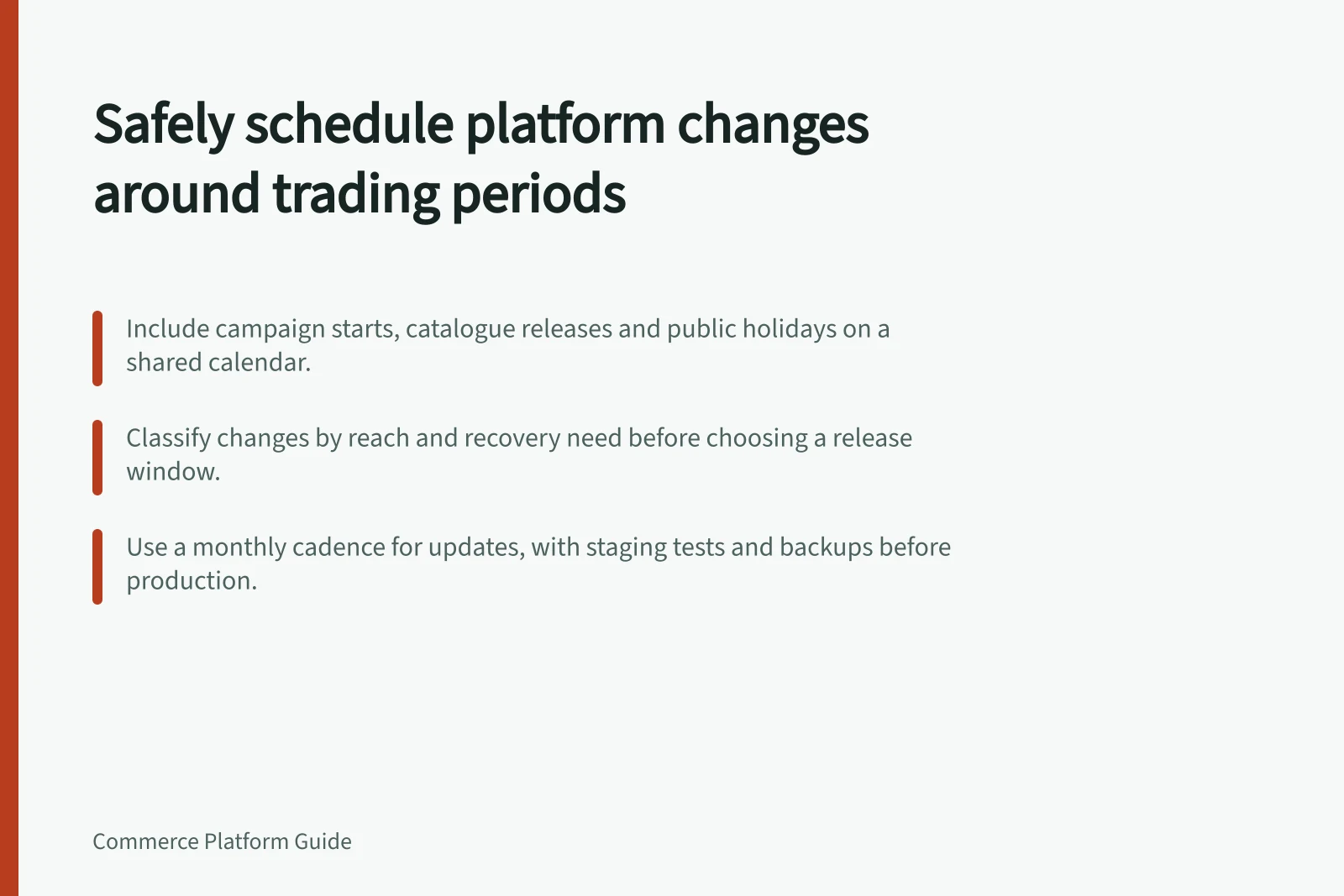
Schedule platform changes against expected order, campaign and fulfilment activity, and the time available to respond if a change fails. Put campaign starts, catalogue releases, supplier updates, fulfilment cut-offs and relevant state or territory public holidays on a shared calendar; classify each change by reach and recovery need before choosing a release window. Proceed only when trading conditions, people and checks still support that window.
Build the trading calendar
Ask merchandising, operations, customer service and technical support which periods will be demanding. Include campaign starts, catalogue releases, supplier price updates and days when a decision maker is unavailable. Record when orders must reach fulfilment as well as when shoppers are expected to visit.
Include relevant public holidays because dates can differ by state and territory. In 2026, Christmas Day is Friday 25 December and Boxing Day is Saturday 26 December, with Monday 28 December an additional public holiday in most states; the King's Birthday is 8 June in NSW, VIC, SA, TAS, ACT and NT, 28 September in WA, and 5 October in QLD.
Mark the business effect of an interruption. A content correction may be manageable during trading, while replacing a payment extension just before a promoted offer could leave too little time to find and resolve a fault. Assess whether the interruption would block checkout, order fulfilment or a time-critical campaign.
Classify the change
Change / Scheduling question
- Product or content edit
- Can an editor check the customer-facing result promptly?
- Theme or app change
- Which pages and order paths depend on it?
- Payment, delivery or integration change
- Who can inspect transactions and downstream records?
- Urgent defect or security fix
- What narrow action can address the risk promptly?
Mark reach as limited when a change is confined to content or one function, and broad when it could interrupt checkout, fulfilment or a time-critical campaign. Record recovery need by noting what must be restored or held and whether the required operator and supplier can be reached; broad reach or dependent recovery calls for a window with enough availability and time to verify the result.
Name a proposer, approver, operator and person who observes the result. One person may fill several roles. Record the expected outcome and the condition that would prompt a pause or recovery action.
Change Classification: Reach and Recovery Need
- Change Type
- Product or content edit
- Reach
- Limited
- Recovery Need
- Low – can be managed during trading
- Change Type
- Payment, delivery or integration change
- Reach
- Broad – could block checkout or fulfilment
- Recovery Need
- High – requires timely access to operators and suppliers
- Change Type
- Urgent defect or security fix
- Reach
- Varies – depends on scope
- Recovery Need
- Critical – narrow action required immediately
Prepare the release window
Choose a window outside periods when an interruption would block checkout, fulfilment or a time-critical campaign, and avoid dates when the approver, operator or supplier is unavailable. In “How to update WooCommerce”, WooCommerce says a monthly cadence works well for most stores: check WooCommerce, WordPress, extensions and themes around the same time each month.
WooCommerce advises making a current backup and testing the update set on staging before production. Its guide says store data is held in both the database and the wp-content folder, so a manual backup must cover both; test relevant workflows on staging, including product pages, cart, checkout, payments, shipping, taxes and order emails.
Apply the same update set to production only after staging checks pass. Avoid running several major store updates together unless that exact set has been checked on staging.
Some updates require a database update after the plugin update. Allow time for the full process and a check of the live store afterwards; WooCommerce advises setting the live site to Coming soon mode during the update window so customers do not check out while files and database changes are running.
Before publishing a theme update, review the pages and functions that depend on the theme, then inspect the affected live paths after release.
Before the window opens, confirm that the approver, operator and relevant supplier can be reached. Record the last known good configuration and how an affected selling path would be held. If the change touches payments or an order feed, account for transactions already created: restoring theme files alone will not settle them.
Decide whether to proceed
At the agreed start, check that trading conditions still match the plan and that the required people are reachable. Hold a discretionary release if a promotion has overrun, a payment incident remains unresolved, or there is not enough time to complete the change and check the live store.
For WooCommerce, do not wait for the regular monthly cycle if an update includes a security fix or resolves broken functionality the store depends on. Keep the scope narrow and watch the affected path after release.
After release, inspect the stated customer task and staff record. Log the configuration, release time, observed result, open issue and owner; if the expected result is unclear, follow the agreed pause or recovery decision.
Safe Release Process for Ecommerce Platform Changes
- Confirm trading conditions match planCheck calendar, team availability, and current system stability
- Verify people involved are reachableApprovers, operators, and suppliers must be contactable
- Proceed with release only if all checks passHold release if promotion overruns or unresolved incidents exist
- Monitor customer-facing tasks and staff recordsLog configuration, release time, observed result, open issues
- Trigger recovery if expected outcome not metFollow agreed pause or rollback protocol