Checkout Architecture
Part of Ecommerce platform scalability
Testing a storefront before a high-traffic promotion
Plan a promotion rehearsal from landing page and basket to checkout, orders and live-event monitoring.
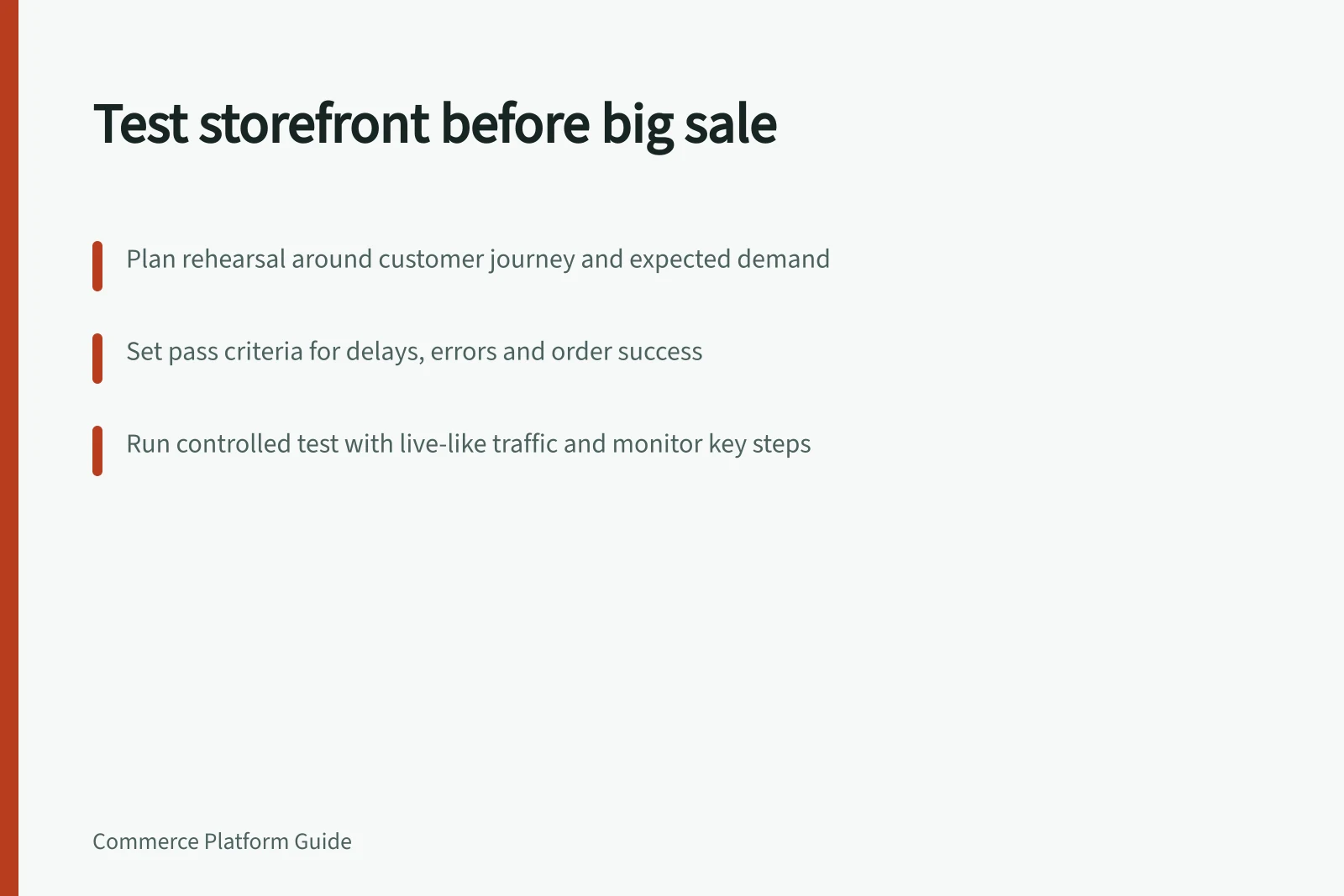
Plan a storefront rehearsal around the buying journey and the demand pattern expected for the promotion. Check that shoppers can reach the advertised product, see the offer, add an eligible item, enter checkout and create an order staff can act on. Measure each step separately so a failed integration is not mistaken for a slow product page.
Define the traffic shape and pass criteria
Use the campaign plan and past store records, where available, to estimate how visitors will arrive. WooCommerce identifies traffic distribution as a major influence on performance: a sale focused on one product concentrates visitors on that product page and the cart, unlike traffic spread across several products.
Record expected peak visits, basket additions and checkout starts as assumptions, using campaign plans and available store records. Average “Add to cart” calls per minute are also a useful indication of server demand. Set a quieter baseline and a higher stress scenario that reflect the proposed promotion.
Before testing, agree store-specific pass criteria for customer-visible delays, errors, successful orders and order handling. Write down the target values and the action to take if a criterion is missed; these are criteria for this store, not universal benchmarks.
Journey stage / Result to inspect
- Campaign landing
- Correct offer, stock message and mobile behaviour
- Product selection
- Available choice and intended price
- Basket
- Items and discounts after changes or refreshes
- Checkout entry
- Eligible delivery and payment paths
- Order handoff
- Order and payment state in the normal staff queue
Traffic Shape Impact on Performance
- Single-product promotionHigh concentration on product page and cart; higher risk of bottlenecks at key stages
- Broad product promotionTraffic spread across multiple pages; lower pressure on individual components
Key Performance Indicators for Testing
- Expected peak visits
- Based on campaign plan and past store records
- Average 'Add to cart' calls per minute
- Indicator of server demand
- Baseline vs. stress scenario
- Defined prior to testing
Prepare a controlled rehearsal
Use the proposed theme, apps, campaign content and representative product data. Agree the environment and test window with the host, platform and affected suppliers where needed, and record any differences between the rehearsal setup and the live store. WooCommerce identifies traffic, WooCommerce code, other system code and server hardware as factors that can affect scalability.
Ask the host whether its package suits the expected traffic, and review the theme, plugins and other code that will be active during the promotion. Optimised code can help performance, while identifying and fixing non-optimised code is important for scaling.
Separate page and basket traffic from payment or order creation. Use the payment provider’s supported test route for transaction cases, and agree a clear marker for test orders so fulfilment, accounting and customer messaging can handle them safely. If a boundary cannot be simulated safely, obtain a supplier-supported way to check it or mark it unproven.
Review third-party checkout, shipping and custom apps, and check payment-provider arrangements as part of the dependency review.
Run the sequence and inspect records
Capture a baseline, then increase load in planned steps while keeping the page content, configuration and traffic mix recorded. WooCommerce’s Google Analytics extension can track “Add to cart” calls; use the calls per minute as one indication of demand on the server.
For page diagnosis, Google Chrome Dev Tools’ timeline shows how long the store takes to load and which elements take the most time. Google PageSpeed Tools can test the speed of each page and suggest improvements; New Relic is a premium service that provides detailed information.
Walk through complete orders at the relevant stages and inspect the commerce order, test payment result, stock effect and downstream message. Keep test orders distinguishable using the marker agreed with staff.
If a problem appears under pressure, locate the boundary: page rendering, app script, search, basket, payment or order feed. Repeat the affected case after a fix while retaining the failed result, and interpret monitoring readings alongside what shoppers experienced.
Make the launch decision
Launch only the paths that meet the agreed customer and staff criteria. If a critical path misses a criterion, hold the promotion or pause the affected offer until the problem is fixed and the path passes a repeat test.
Before launch, assign someone to monitor errors, order intake and stock during the promotion, and confirm how they can pause an affected offer. Record which paths were rehearsed, which depend on supplier confirmation and which still need observation with live customers.
A rehearsal cannot guarantee that actual demand will match the forecast.