Platform Selection
Ecommerce platform scalability
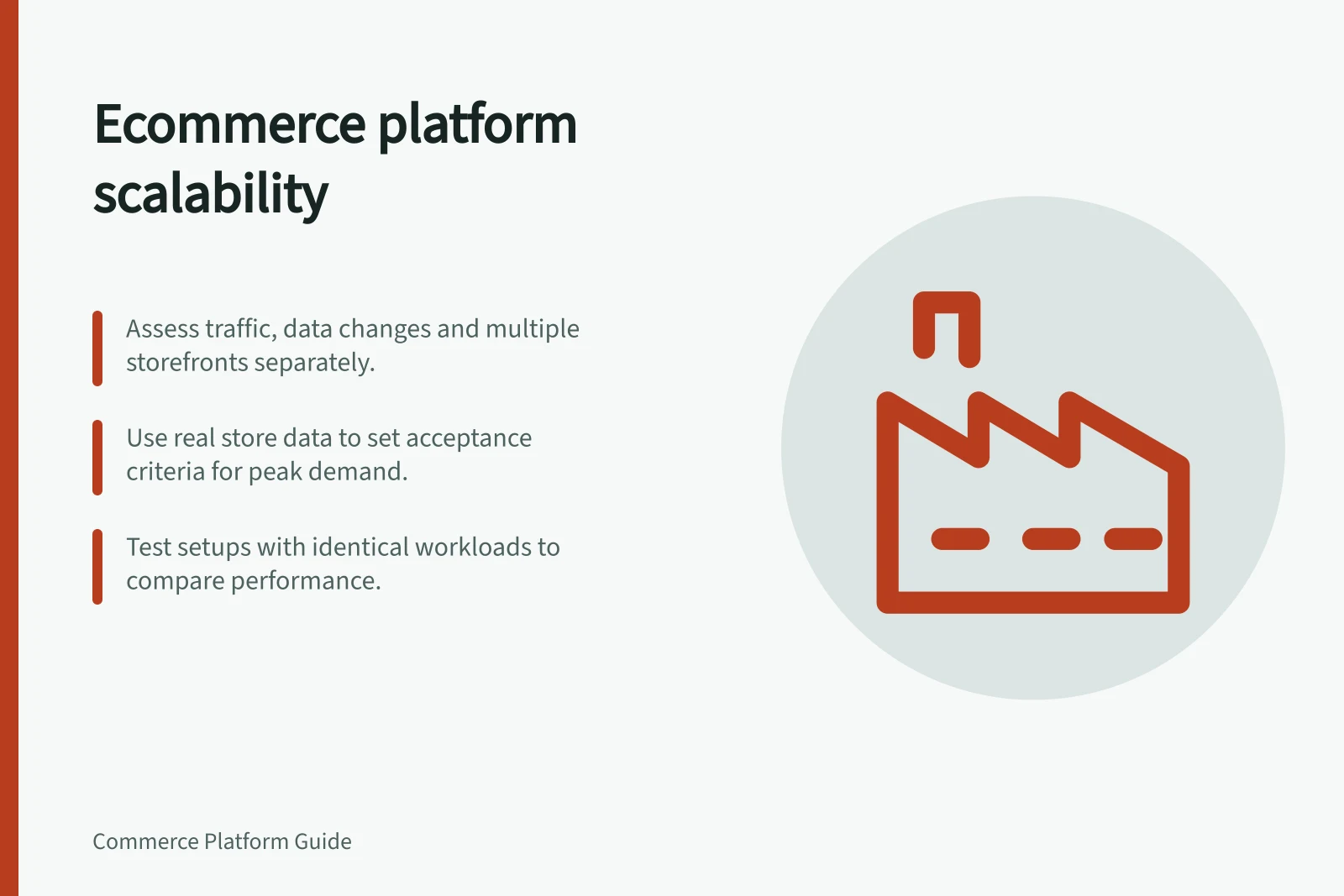
Assess ecommerce growth across traffic peaks, bulk catalogue work, integrations and additional storefronts.
An ecommerce platform scales when its proposed store setup keeps taking correct orders as demand and operating work grow. Assess three pressures separately: a busy buying journey, large data changes, and the work of running additional storefronts. A product allowance or fast homepage cannot answer all three.
Define the growth you need to support
Use recent store records and trading plans to describe a normal period and a plausible peak. Record visits, checkout starts, orders, catalogue updates and integration jobs as planning assumptions. Set an acceptable outcome for each task, such as how quickly an urgent price correction must appear or how staff will identify orders awaiting payment.
| Pressure | Result to check |
|---|---|
| Promotion traffic | Shoppers can find the offer, add an eligible item and reach checkout. |
| Order volume | Staff can distinguish orders ready for fulfilment from those needing review. |
| Catalogue changes | The update finishes with errors visible and the intended products on sale. |
| Integrations | Stock and order feeds remain usable when scheduled work meets peak trading. |
| More storefronts | Shared facts stay consistent and local differences remain manageable. |
These are business acceptance criteria, not published platform capacity figures.
Measure workload evidence
Average add-to-cart calls per minute can indicate server demand for a WooCommerce store. The Google Analytics extension can track those calls. Use it with the store’s own order and task records so a traffic measure is considered alongside the work it creates.
Google Chrome DevTools’ timeline can show how long a store takes to load and which elements take most time. Google PageSpeed Tools tests page speed and suggests improvements, while premium services such as New Relic can provide more detail. These tools offer different views of performance, not a substitute for checking the full business workload.
Record the observation method and the configuration it describes. Traffic distribution, WooCommerce code, other system code such as themes and plugins, and server hardware all influence performance, so a result from one configuration should not be treated as a general platform limit.
Follow the busiest buying path
A promotion can concentrate visitors on one product page and its basket. WooCommerce identifies traffic distribution, theme and plugin code, and hosting as factors in performance. Shopify’s flash-sale guidance includes reviewing third-party functions.
For detailed campaign testing, use a separate promotion test procedure; at this level, assess whether the proposed setup can support the forecast peak and whether staff can identify failures.
For a Shopify flash sale, special preparation is recommended in most cases when tens of thousands of customers are expected to start checkout within a few minutes. Use the business’s own forecast to decide whether its peak is exceptional; this example is not a general traffic threshold for every store or platform.
Check the work behind the page
Bulk catalogue work has a different bottleneck. Shopify offers asynchronous GraphQL bulk mutations for importing large volumes, with documented limits. WooCommerce includes a product CSV importer, while large jobs depend on server resources.
Ask staff to make a representative change, inspect exceptions and confirm the storefront result. A permitted file or product count does not establish how long the job will take.
Integration capacity also needs its own calculation. Shopify’s GraphQL Admin API uses query cost and an app-and-store allowance. BigCommerce’s REST APIs use request quotas shared across apps accessing a store. Those units cannot be compared directly.
Map the actual calls, bursts and retries before judging whether a plan leaves enough room.
Compare operating models against the same workload
Shopify provides documented GraphQL Admin API and bulk import tools. Check the proposed plan, app query costs, bulk route and payment integrations; an Admin API allowance is not a storefront traffic guarantee.
BigCommerce can connect multiple storefront channels to one commerce store and catalogue. Check product channel assignments and whether each app preserves channel context. Its REST quota and the terms of the purchased plan need confirmation together.
WooCommerce lets the business choose its hosting stack. Check the host, theme, plugins and maintenance support against the proposed traffic and import jobs. Core CSV capability alone cannot establish the result for an installation.
Give shortlisted setups the same buying journey, catalogue change and integration schedule. Record the configuration, observed results, failures and operator responsible for each boundary. Choose a setup whose essential work completes within the business’s agreed limits and whose failures staff can detect and resolve.
Interpret capacity evidence in context
WooCommerce reports examples of stores listing 100,000+ products and handling thousands of transactions per minute. In those cases, the stores had strong hosting support and their own developer team focused on optimisation. Treat these as examples of what a supported installation can achieve, not as a capacity promise for a different store.
As the store grows, WooCommerce recommends investing in infrastructure and a team to support it so performance and speed remain unaffected. Include those operating needs in the comparison: a setup that depends on specialist support should be assessed against the business’s ability to provide that support, not just its software features.
Key scalability benchmarks from official sources
- WooCommerce max products
- 100,000+ listed in supported installations
- WooCommerce transaction rate
- Thousands of transactions per minute with strong hosting and developer support
- Shopify flash sale guidance
- Recommended preparation for tens of thousands of customers starting checkout within minutes
- BigCommerce multi-storefront
- Supports multiple storefront channels under one commerce store and catalogue
In this guide
- Testing a storefront before a high-traffic promotionPlan a promotion rehearsal from landing page and basket to checkout, orders and live-event monitoring.
- Comparing API limits across platform plansCompare Shopify, BigCommerce and WooCommerce API limits using the right quota units and current plan names.
- Checking bulk catalogue operations for growing storesAssess bulk product updates through completed records, error handling, storefront results and staff recovery.
- Planning for more stores without duplicating every systemDecide which product, stock, order and app records to share when adding brand storefronts or separate stores.