Platform Selection
Ecommerce themes and storefront performance
A theme should help shoppers find a product, understand it and complete a purchase without unnecessary delay.
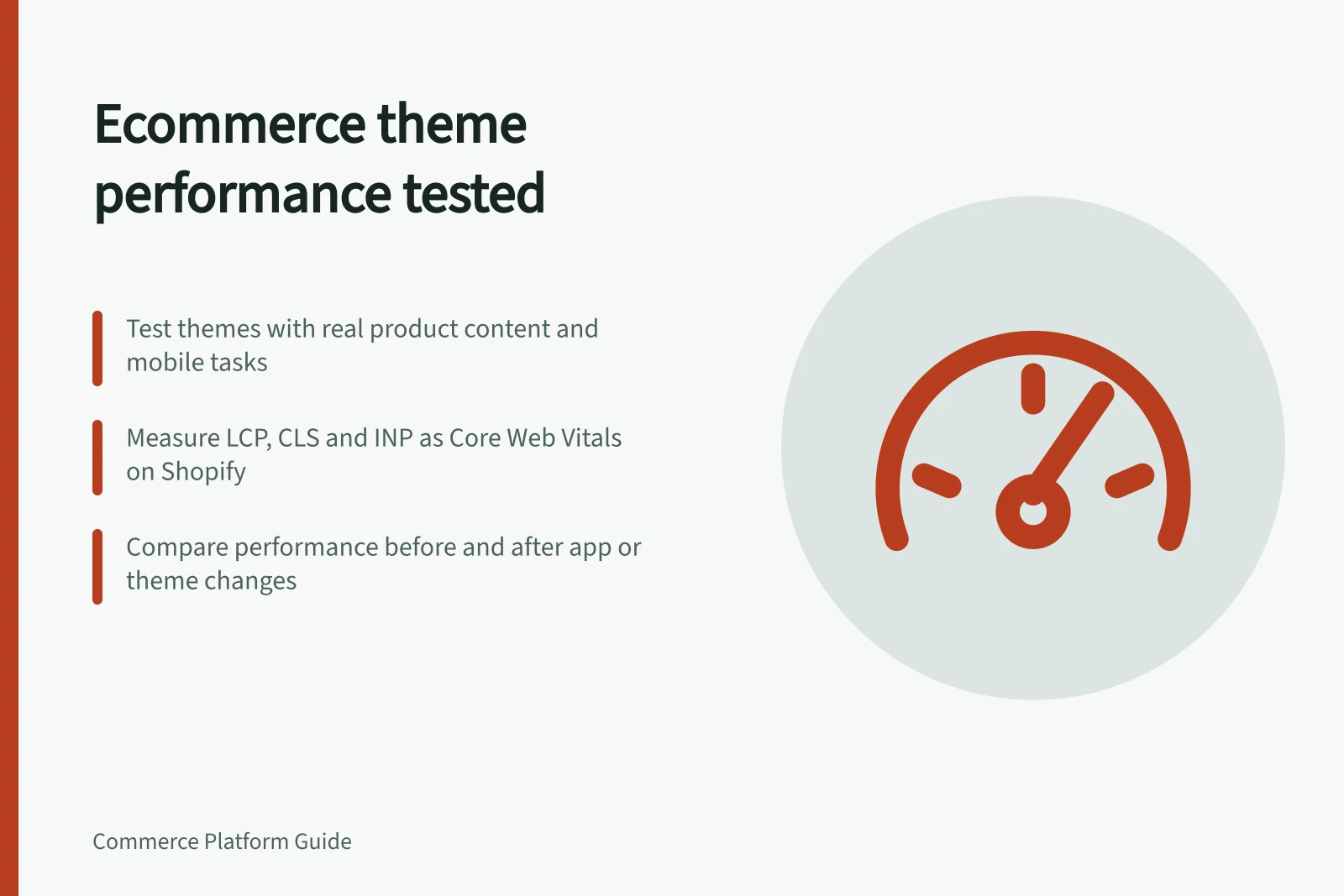
A theme should help shoppers find a product, understand it and buy without unnecessary delay. Test it against a realistic catalogue and mobile tasks, then measure the store you would actually run.
A fast demo with placeholder images cannot predict the result once your apps, product media and custom sections are added.
Compare like-for-like pages
Prepare the same representative home, collection and product content for each shortlisted theme. Include long names, variant selectors, sold-out items, reviews and the image sizes you expect to publish.
Walk through search, filtering, product selection and cart on a phone. A visual redesign may improve clarity; it can also hide filters or push buying details below several promotional blocks.
Record your own baseline for relevant pages and devices, including loading, layout movement and response after a tap. Compare the same conditions after changes.
Understand what performance measures mean
A single performance score can conceal different kinds of delay. Shopify distinguishes Time to First Byte (TTFB), First Contentful Paint (FCP), Largest Contentful Paint (LCP), Cumulative Layout Shift (CLS) and Interaction to Next Paint (INP), which describe different points in loading and interaction.
TTFB measures the wait for the first byte of the HTML response; on Shopify, most of this time is Liquid rendering. Because Shopify can stream a response, TTFB may cover only the document head, with the remaining Liquid rendering time included in the document download. Treat the figure in that context rather than as a complete measure of page rendering.
FCP records when the browser first paints text or an image, while LCP records when the largest element in the initial viewport finishes rendering, often a hero or product image. Shopify describes LCP as tracking perceived load speed more closely than any other single metric.
CLS measures unexpected movement as content loads, and INP measures how long the page takes to respond visibly after a tap or click. Shopify identifies LCP, CLS and INP as Core Web Vitals.
These measures help connect a result to the shopper experience: a late first image, shifting content and a delayed response are different problems, even if they affect the same page. Shopify says performance can influence conversion rates, repeat business and search engine rankings, so a theme comparison should consider more than visual appearance.
Performance Metrics and Their Impact on Shoppers
- Time to First Byte (TTFB)Measures wait for first byte of HTML response; on Shopify, largely due to Liquid rendering. May only reflect document head loading.
- First Contentful Paint (FCP)When the browser first paints text or an image; indicates initial content visibility.
- Largest Contentful Paint (LCP)When largest element in viewport finishes rendering—often a hero or product image. Tracks perceived load speed.
- Cumulative Layout Shift (CLS)Measures unexpected layout movement during loading; affects user trust and usability.
- Interaction to Next Paint (INP)How long page takes to respond visibly after tap or click; reflects interactivity responsiveness.
Find the source of slowness
Separate theme code from apps, third-party tags, large media and network conditions. Shopify describes testing an app's impact by comparing storefront performance before and after installation.
For an existing store, disable a suspected feature in a safe preview, measure again and check that the user task still works. A single score change can be noisy; repeat under comparable conditions and inspect the actual delay.
Interpret Shopify benchmarks in context
For themes submitted to the Shopify Theme Store, Shopify requires a minimum average Lighthouse performance score of 60 across the home, product and collection pages. Shopify tests themes on a benchmark store and publishes performance guidance for images and scripts.
A similar test can be run on a development store. The minimum is an admission criterion for that store, not evidence that a customised storefront will achieve the same result.
Shopify’s Theme Store assessment covers home, product and collection pages. In its app assessment, Shopify weights home pages at 17%, product details at 40% and collection pages at 43%.
This indicates which page types receive greater weight in that assessment; test the shortlisted theme with your store’s own content and configuration.
Shopify Theme Store Performance Benchmarks
- 60Minimum Lighthouse Score Required
- 17%Weighting: Home Page
Decide whether a new platform is necessary
If the problem is poor navigation, heavy images or unnecessary app scripts, a theme and content change may solve it within the current platform. Platform replacement makes sense only when required capabilities or operating constraints cannot be met reasonably there.
Before buying, document the theme licence, support and update approach, app compatibility and who will maintain customisations.
Weigh performance against storefront needs
Set a minimum acceptable performance standard for the pages that matter most to your store, such as the product and collection pages where shoppers evaluate and choose items. Test each shortlisted theme against that standard with your own content, apps and devices.
Revisit the standard as the catalogue, apps or design change, so performance remains part of routine storefront decisions.
In this guide
- Comparing themes with realistic product contentCompare themes using the products you actually sell.
- Testing mobile navigation before buying a themeTest mobile navigation with tasks a shopper would actually attempt before committing to a theme.
- Finding apps that slow the storefrontAn app may slow a storefront through scripts, injected content or network requests, but a slow page does not identify the culprit by itself.
- Separating visual redesign from platform replacementA dated-looking storefront does not automatically need a new commerce platform.