Platform Selection
Headless commerce
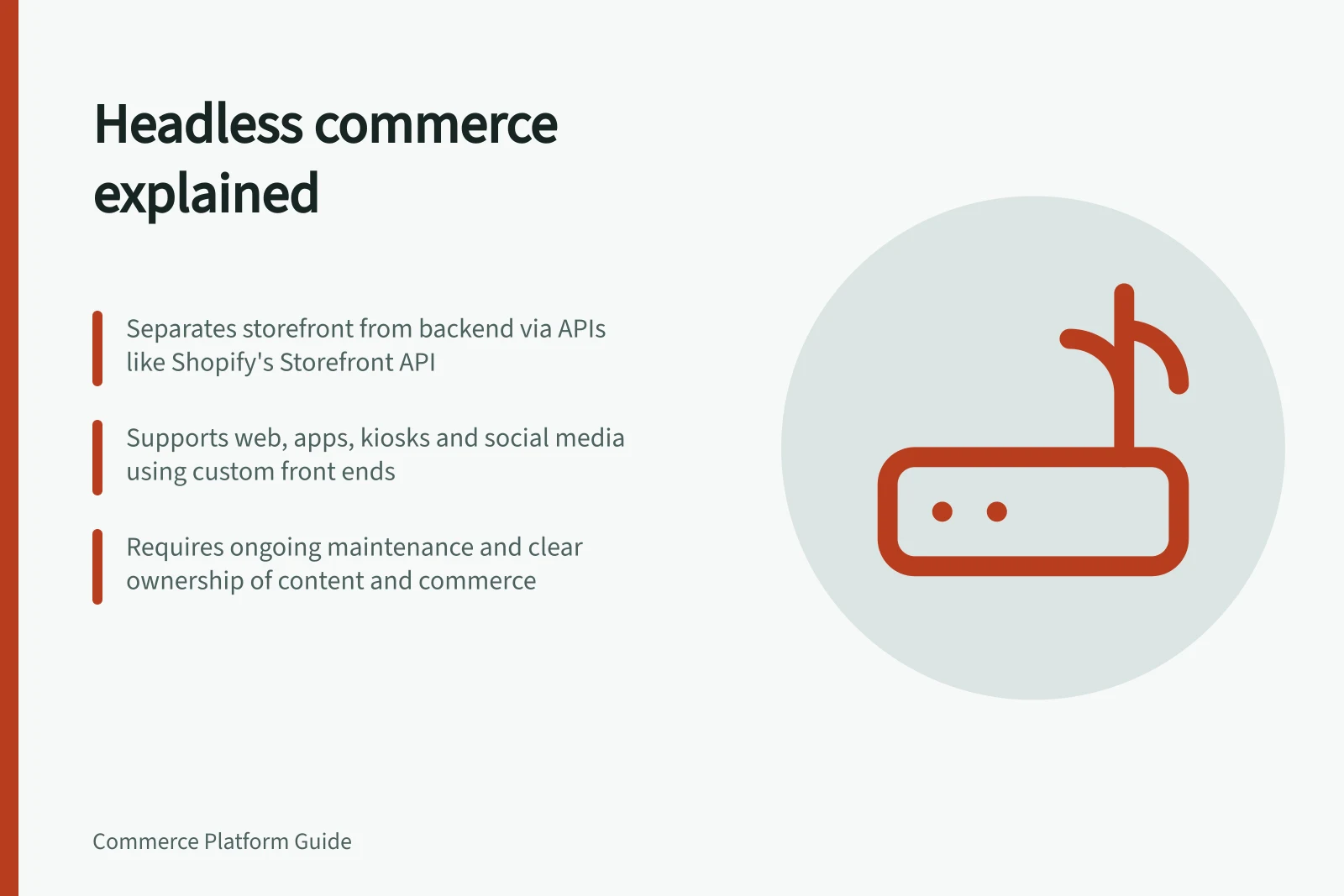
Headless commerce separates the customer-facing storefront from the commerce system that holds products, carts and orders.
Headless commerce separates the customer-facing storefront from the commerce system that holds products, carts and orders. It can give a business more control over the shopping experience, but it makes connections between systems a continuing responsibility.
Choose headless when a documented customer or editorial need cannot be met well with a maintained theme or existing storefront extension.
What is actually separated?
In a conventional platform theme, page templates and merchant controls sit within the commerce platform's storefront model. Shopify, for example, documents themes built from templates, sections and blocks. In a headless build, a separate front end requests commerce data and actions through APIs.
Shopify's Storefront API exposes products, collections and carts to a custom storefront. BigCommerce describes a storefront application using its APIs, while its commerce backend handles catalogue, orders and payments.
The distinction is not whether the site looks custom. A theme can be heavily designed, and a headless front end can use a starter application.
The distinction is who builds and maintains the presentation layer and the integration to commerce services.
Headless vs Traditional Commerce Architecture
- Presentation Layer
- Separate front end (custom-built or third-party)
- Commerce Backend
- Managed platform (Shopify, BigCommerce, Salesforce Commerce Cloud)
- Integration Method
- API-driven (e.g., Shopify Storefront API, BigCommerce APIs)
- Frontend Flexibility
- High – can use any framework (React, Vue, etc.)
- Maintenance Responsibility
- Shared – front end and integration require ongoing upkeep
The API is the commerce contract
An API is more than a connection for displaying product pages: it defines which commerce capabilities a separate storefront can use. Shopify's Storefront API, for example, supports products and collections, adding items to a cart, contextual pricing and subscriptions.
Product pricing, inventory and metafields can still be managed through Shopify admin while the custom storefront uses the API to present buyer-facing experiences.
API access also has different forms. Shopify supports tokenless and token-based authentication; tokenless access includes products, collections, selling plans, search, pages, blogs, articles and cart read/write operations.
Tokenless queries have a complexity limit of 1,000, while token-based authentication is available for access to all Storefront API features.
In BigCommerce's model, an application controls requests and responses to the commerce APIs, while BigCommerce can handle the catalogue, customer data, orders and payment processing. The application can also carry custom functionality, such as presenting discount codes based on a shopper's history.
Headless Commerce Capabilities by Platform
- Shopify Storefront API - Tokenless Access
- Products, collections, search, pages, blogs, cart read/write (complexity limit: 1,000)
- Shopify Storefront API - Token-Based
- Full access to all features including subscriptions and contextual pricing
- BigCommerce APIs - Custom Functionality
- Discounts based on shopper history, custom storefronts (CMS, kiosk, mobile)
- Salesforce Commerce Cloud
- Supports web, native apps, social media, games via headless architecture
A storefront can reach beyond the website
Headless describes the separation between the presentation layer and commerce services, not a requirement to build only a web shop. Shopify says its Storefront API can support web, native apps, games and social media using the front-end tools of the developer's choice.
BigCommerce lists a CMS, native mobile app, kiosk and static site among possible storefronts, and says a CMS that accepts custom integrations can be used.
Each surface can make API calls to retrieve data or request commerce actions, while the commerce backend remains responsible for core commerce functions.
Choose a starting point for the build
A headless implementation does not always mean building every part from scratch. BigCommerce offers starter apps and pre-built solutions, as well as APIs and software development kits for custom implementations.
Its developer guide breaks the work into tasks such as fetching product data, creating a cart, moving a cart to checkout and logging in a customer.
Key Implementation Steps for Headless Commerce
- Define the shopping pathMap discovery → product detail → cart → checkout → confirmation
- Set up API accessConfigure token-based or tokenless authentication with the commerce platform
- Build core functionalityFetch product data, manage cart, handle checkout via hosted URL
- Test real-world scenariosInclude failures: stale inventory, unavailable APIs, invalid promotions
- Validate ownership and preview workflowsAssign editorial and merchandising control across systems
Start with a real constraint
For deciding whether a documented customer or editorial need justifies headless commerce, see the sibling article on when headless commerce solves a real business problem.
Trace the whole shopping path
A design prototype is not enough. Follow discovery, product detail, variant selection, price and availability, cart, checkout, confirmation and account service. Test those paths on the devices and in the markets the business serves.
BigCommerce documentation, for example, requires a channel and site configuration for a headless storefront and describes a hosted checkout URL. Shopify's Storefront API documents cart read/write operations.
The precise boundary between custom front end and hosted checkout must be known before design promises are made.
Plan for failures as well as the happy path. What does the shopper see if product data is stale, an API is unavailable or a promotion is not eligible? Which system is authoritative for price, stock and offer rules?
A front end can display a message, but it should not invent a price or silently take an order that the commerce backend will reject.
Pros and Cons of Headless Commerce for Australian Businesses
- ProsGreater control over UX; supports non-web channels (apps, kiosks); better performance with modern frameworks
- ConsHigher maintenance burden; complex error handling; requires technical expertise; risk of price/inventory mismatches if not managed properly
Pre-Launch Validation Checklist for Headless Stores
- Test full shopping journey across devicesEnsure consistency on desktop, mobile, tablet
- Verify API failure responsesDisplay meaningful messages when data is stale or API down
- Confirm authoritative system for pricing & stockCommerce backend must be final source of truth
- Validate non-ideal casesUnavailable variants, expired promotions, failed logins
- Assess editing effort and rollback capabilityEnsure content and commerce teams can collaborate effectively
Assign content and commerce ownership
For field-level ownership mapping, editorial versus merchandising ownership, and cross-system preview and rollback, see the sibling article on planning content and commerce ownership across systems.
Budget for maintenance, not just launch
The recurring maintenance burden of a headless architecture is estimated in the sibling article on that topic.
Decide with a narrow prototype
Build a representative slice before committing to a full migration: one complex product, one content-led page and a complete path into checkout.
Include a non-ideal case such as an unavailable variant. Compare the result with the best practical theme-based alternative using the same criteria.
Record editing effort, defects, page experience and maintenance tasks rather than treating an attractive demo as proof of return on investment. Headless is justified when the added freedom solves a specific problem the business is prepared to own.
In this guide
- When headless commerce solves a real business problemWhen headless commerce solves a real business problem: practical criteria and a clear evaluation process for marketing teams.
- Comparing a decoupled storefront with a traditional themeCompare a decoupled storefront and a traditional theme by the work required to deliver the same shopping journey.
- Estimating the maintenance burden of headless architectureEstimate headless maintenance by listing every component the team must keep working after launch.
- Planning content and commerce ownership across systemsWhen content and commerce live in separate systems, assign one source of truth for each field and one person who approves its publication.