Replatforming
Ecommerce platform implementation
Plan an ecommerce platform implementation from product data through checkout, order handling, testing and the decision to open.
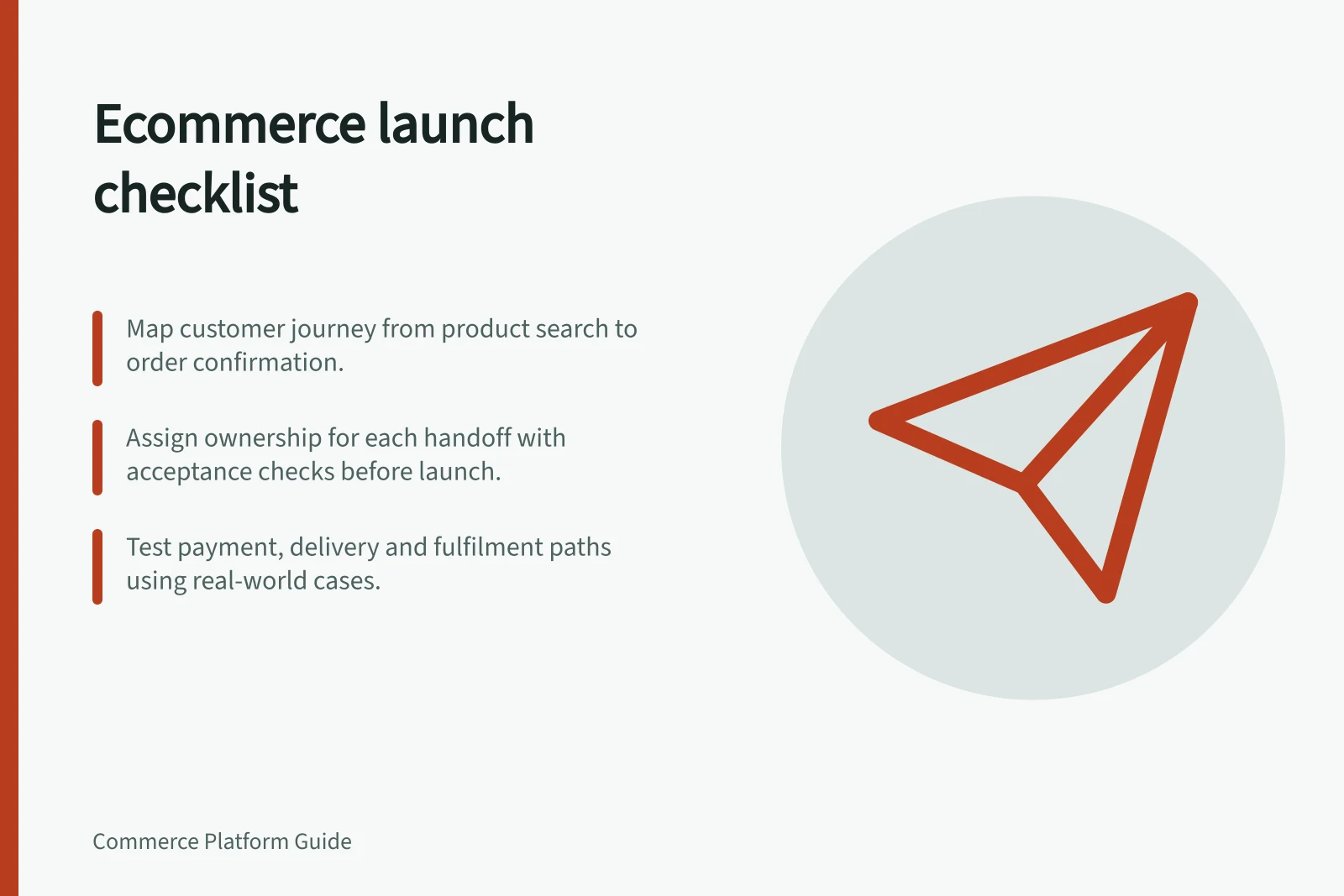
Work backwards from an order staff can fulfil. Map how a customer finds an eligible product, sees the intended total, places an order and receives confirmation; then map how staff process and resolve it. Give each handoff an owner and an acceptance check before setting an opening date.
Define the first release
List the products, delivery destinations, payment paths and customer messages needed at opening. Separate these from later additions. Hold a product whose price, availability or fulfilment instructions are unresolved.
Choose representative examples: a simple item, a stocked choice, an unavailable item and an order needing correction. For an Australian store, include AUD pricing and addresses in the areas the business intends to serve. Record the expected customer view and staff action for each example.
Build in dependency order
| Workstream | Decision needed |
|---|---|
| Product data | Which item and quantity will staff supply, and who approves its price and availability? |
| Storefront | Can shoppers find and understand the released products and delivery information? |
| Checkout | Which configured payment and delivery paths accept those products? |
| Order processing | Who checks payment, picks the order and handles exceptions? |
| Customer service | Which messages are sent, and where can staff find the order and payment records? |
| Release | Who authorises opening, watches early orders and can pause a faulty path? |
Approve the result across handoffs. A product page can look correct while the order records the wrong choice. An order may await payment confirmation before it is ready for fulfilment. WooCommerce distinguishes pending payment, on-hold, processing and completed orders. Document the states and release rules in the platform and payment setup actually chosen.
Configure the trading path
Load approved products and inspect their names, prices, options and availability. Check navigation and direct product pages. Configure delivery and payment for the merchant account and destinations intended for opening. Compare the customer confirmation with the staff view of the order.
For each connected service, record what triggers a transfer, which data it needs, how staff identify a rejected record and who investigates it. An order sent to fulfilment must identify what to supply; a payment or refund sent to accounting needs a state the team can reconcile. Keep detailed integration design in the integration work, but assign an operational owner here.
WooCommerce’s onboarding can recommend features for payments, shipping, tax, marketing and security based on store details. These recommendations are optional: the setup owner can keep or clear selections, or skip them and return to the checklist. Some optional features use a WordPress.com connection through Jetpack, so decide whether that connection is needed before assigning setup work that depends on those features.
Key Integration Requirements for Australian Ecommerce Platforms
- Payment GatewayMust support AUD, GST inclusion, and reconciliation with ATO requirements.
- Shipping ProviderIntegrate with Australia Post, Sendle, or similar for domestic tracking and delivery zones.
- Tax ComplianceAutomatically apply GST (10%) on digital and physical goods sold in Australia.
- Accounting SyncTransfer order data to Xero, MYOB, or QuickBooks for financial reporting.
Check complete journeys
Before opening, run cases in the proposed configuration for successful and unsuccessful payments, an unavailable item, an ineligible address, and a correction or refund. Set the expected result first. Then inspect the customer view, order record, stock and staff workflow, and log defects.
Use the chosen provider's documented test route.
WooCommerce warns that test orders can send emails, appear in analytics and be mistaken for real orders by extensions; its guidance says to run test payments on staging. Plan how connected services and test data will be handled.
A successful checkout alone does not show that staff can fulfil, correct or refund an order. The separate order-lifecycle test plan should hold the cases and their results.
Pre-Launch Testing Checklist for Australian Ecommerce Stores
- Test successful payment (AUD)Verify confirmation page, order status, and integration with accounting system.
- Test failed paymentConfirm error message is clear and order remains in pending state.
- Test unavailable itemEnsure product is hidden or marked as out of stock; no order can be placed.
- Test ineligible delivery addressCheck that non-served areas show an appropriate error during checkout.
- Test refund or correctionValidate workflow from request to updated order status and payment reversal.
Sequence the store setup
The WooCommerce onboarding wizard gathers foundational details, including the store name, location, industry, product or service type and store email address. These details can be changed later in WooCommerce settings, and the wizard can be revisited from the Help tab on supported pages.
WooCommerce’s setup checklist orders its core tasks as adding products, setting up payments, customising the store, collecting sales tax and launching. Shipping options can appear before launch, depending on the store details and enabled features. Treat this as a practical dependency sequence: products need to be present before payment and delivery paths can be checked against what the store will actually sell.
For the checklist’s product task, WooCommerce specifies at least one product with a correct name, description, price, inventory settings and catalogue visibility. Its payment task requires a connected and tested payment method, including checking the customer experience and the resulting order status.
Ecommerce Platform Implementation: Key Launch Steps
- Start with the WooCommerce Onboarding WizardGather foundational details: store name, location, industry, product type and email address.
- Add ProductsInclude at least one product with correct name, description, price, inventory settings and visibility.
- Set Up PaymentsConnect and test a payment method; verify customer experience and order status outcome.
- Configure Shipping & TaxSet delivery options for intended Australian destinations and enable sales tax (GST) if applicable.
- Customise StorefrontEnsure navigation, product pages and checkout are clear and reflect actual offerings.
- Launch and MonitorOpen the store only after testing all journeys; monitor first real orders against records.
Assign ownership for order states
Give the person responsible for order processing a clear action for each payment state, rather than treating every received order as ready to pick. In WooCommerce, Processing means payment has been received and stock reduced, while the order awaits fulfilment; this is the store owner’s or warehouse’s cue to ship. Completed means fulfilment is finished and no further action is required.
An On hold order may be awaiting payment confirmation, so assign someone to verify payment before the order proceeds. WooCommerce notes that some payment gateways move orders out of this state automatically once payment clears, while offline payment methods require manual verification. Confirm the chosen payment method’s behaviour and nominate the person who checks any order that remains on hold.
Order Statuses in WooCommerce (Australia-Focused)
- Pending PaymentCustomer has started checkout but not completed payment. No stock reserved.
- On HoldAwaiting payment confirmation (e.g., bank transfer). Manual review required unless automated by gateway.
- ProcessingPayment received, stock reduced. Ready for fulfilment by warehouse or staff.
- CompletedFulfilment complete. No further action needed. Record kept for accounting and reporting.
Decide what permits opening
Review essential cases with the people responsible for products, payments, fulfilment and customer service. Record each as passed, failed or unresolved, with its evidence and owner. A failed essential payment or order handoff should block the affected selling path. An optional addition can wait if staff can support the released path without it.
Name the first responder, the way to pause orders or withdraw a faulty product, and the escalation route for unresolved orders. Preview the public storefront and confirm any test payment mode is off. Once open, monitor the first real orders against their payment and fulfilment records. A preview or sandbox result does not establish that the live path works.
Expand the range when additional products meet the same data, delivery and order-handling checks.
In this guide
- Planning a store launch from catalogue to order processingBuild a store launch plan around product data, checkout handoffs, order ownership and the work staff must complete after purchase.
- Testing the order lifecycle before opening a storeUse a focused test matrix to check payment, order records, fulfilment, failures and refunds before a new store opens.
- Choosing a staged launch rather than a full catalogue releaseDecide which products to release first, avoid unintended purchase paths and set a clear rule for expanding an ecommerce catalogue.