Checkout Architecture
Part of Ecommerce themes and storefront performance
Testing mobile navigation before buying a theme
Test mobile navigation with tasks a shopper would actually attempt before committing to a theme.
Use this routine on a theme’s live demo before buying. An elegant menu can still bury a specific size, category or return detail.
Give testers a destination, not a route
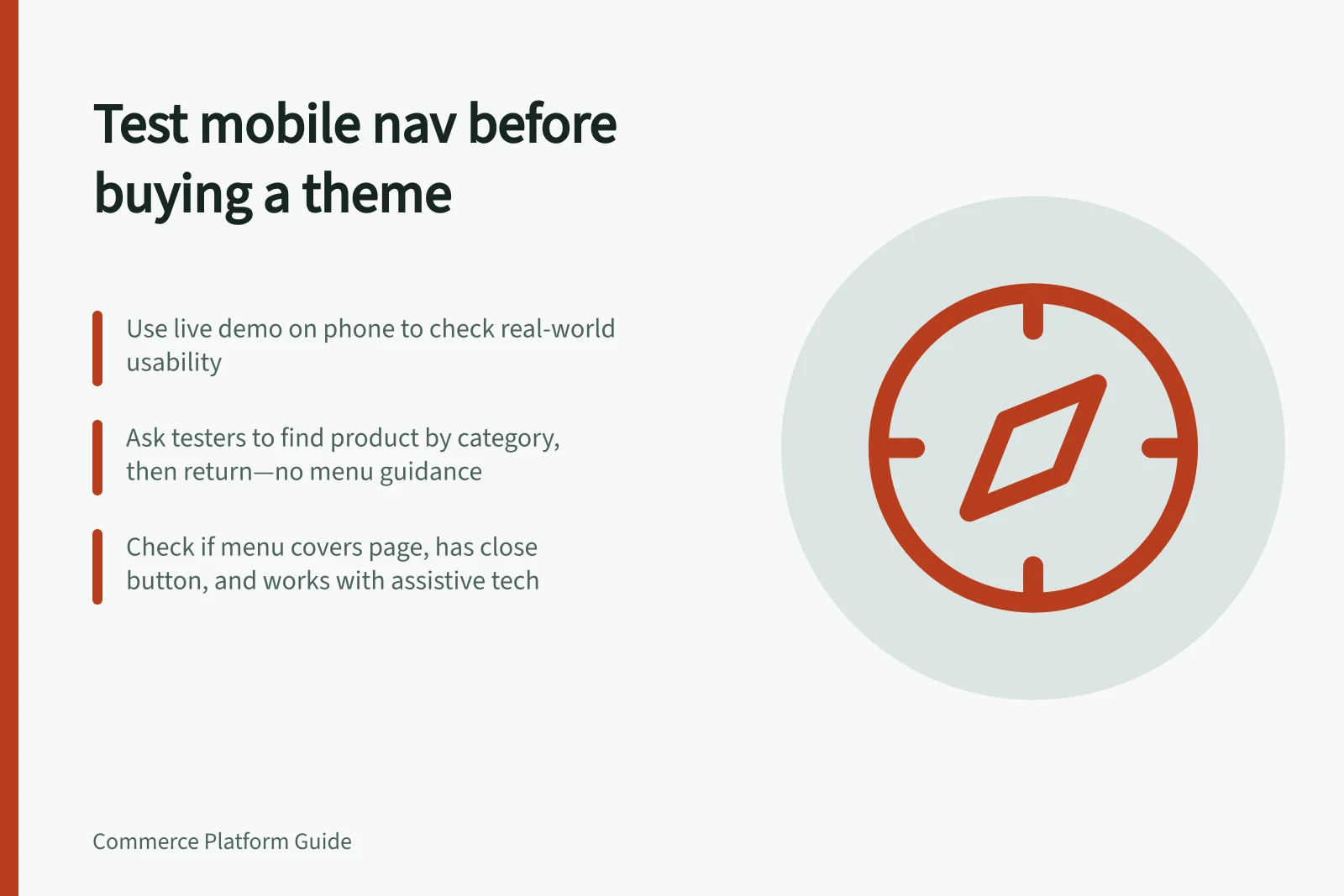
Open the theme’s live demo on a phone. Use StudioPress’ mobile responsive design testing tool as an additional screen-size check, then rotate the phone and enlarge the text.
Ask someone unfamiliar with the catalogue to find a product by category, choose a variant, read delivery and return information, then return to the previous results. Give them the destination, not the menu route.
Repeat with long category names and an unavailable item. Observe wrong turns, backtracking, hidden filters and accidental taps.
Check whether the menu covers the page and has an obvious close control. Also check whether a keyboard user or someone using assistive technology can reach and understand the navigation.
For a Shopify theme, repeat the test in a development store populated with your own images, apps, products, menus, pages and store data. Shopify’s CLI can generate products with the shopify populate command; alter some product settings to see how the theme responds.
Run PageSpeed Insights or GTmetrix on the mobile version, then open the menu and observe its response yourself. Shopify’s “Performance best practices for Shopify themes” names Interaction to Next Paint (INP), the visible response after a tap or click, and Cumulative Layout Shift (CLS), unexpected movement of visible content.
For themes submitted to the Shopify Theme Store, Shopify requires a minimum average Lighthouse performance score of 60 across the home, product and collection pages. Treat that as overall performance context, not a mobile-menu pass mark.
Pass if the tester completes the tasks without coaching, avoidable wrong turns or accidental taps, can close the menu, and can reach and understand its controls. Fail if they cannot find the product details or return to the results, or if the menu blocks those actions.
Record a slow response or layout shift separately from a confusing menu structure. Decorative motion is worthwhile only if it does not interfere with the tasks.
Performance & Accessibility Benchmarks for Australian Themes
- 60Minimum Lighthouse Score (Shopify Theme Store)
- 2.1Accessibility Compliance (WCAG AA) — Required