Platform Selection
Part of International ecommerce platform capabilities
Translated storefront management: Shopify vs BigCommerce
Compare translation workflows by checking content ownership, missing text, regional adaptation and updates across the buying journey.
Shopify separates market setup from language translation: Shopify Markets configures markets, while Translate & Adapt adds translations. BigCommerce uses Multi-Storefront and Channel Manager for storefront localisation, with Catalyst URLs and Storefront GraphQL handling language routing and product locale resolution.
Inventory the customer-facing content
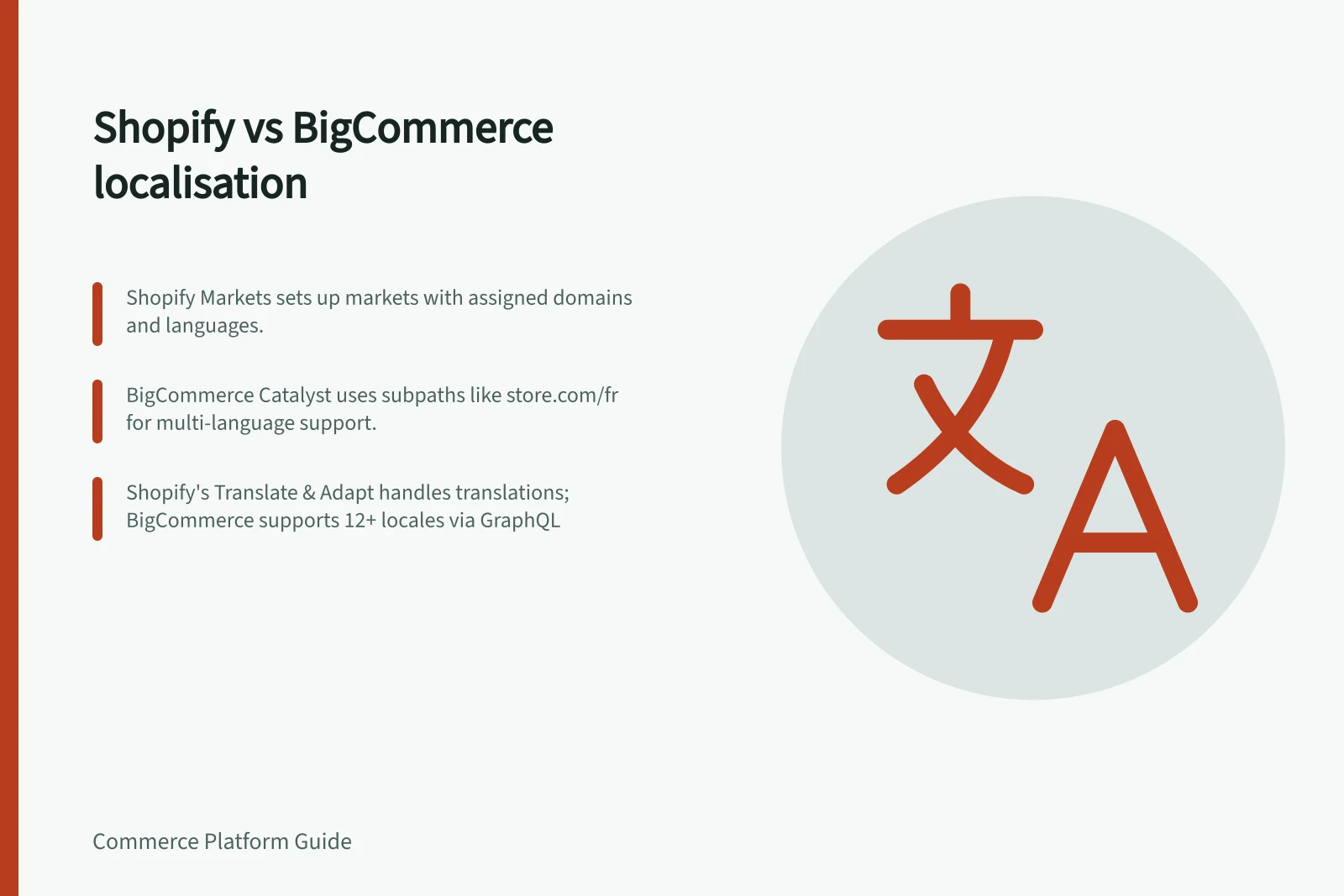
Shopify Markets sets up localisation for markets, and Shopify assigns domains and languages to markets. A Shopify store has one primary locale, which is its default, and can have multiple alternate locales that are published or unpublished.
BigCommerce Multi-Storefront uses Channel Manager to manage localisation settings and content for each storefront. In Catalyst, regional configurations are incorporated into the frontend through locale-specific URLs.
Catalyst can serve multiple languages by connecting multiple channels and routing languages through different subpaths. Its URL options include root domains, subdomains and top-level domains for international selling, and subpaths such as store.com/fr for providing multiple languages within a country.
Compare the documented tools
Translate & Adapt adds language translations. Shopify's translation model also supports translated content for Shopify resources, metaobjects and metafields; examples include product information and email notification templates.
Shopify resource limits include product tags, which cannot be translated, and metafields, which can be translated only when publicly accessible. Market-specific theme content is saved in the shop's primary locale as a theme override, rather than as a translation, and renders only for shops whose plan includes market-specific theme customisation.
BigCommerce storefront content that can be localised includes products and categories, checkout, order statuses, promotions, emails, payment methods, shipping options and tax settings. Catalyst themes can also use static translations; regional configuration includes date and physical-dimension formats, as well as currency and pricing via price lists.
For BigCommerce Storefront GraphQL product queries, a storefront channel can use a chosen default locale, default to the global locale, or override the default with the shopper's browser language. The API response identifies enabled locales and the resolved locale.
A BigCommerce query can override the shopper's language preference with an Accept-Language header or a GraphQL directive; the directive takes precedence. If product data is missing for the resolved locale, the response defaults to global product data.
Key differences in translation capabilities
- Supports product tag translation
- No (Shopify) Yes (BigCommerce)
- Public metafield translation
- Only if publicly accessible (Shopify) Fully supported (BigCommerce)
- Currency and pricing by locale
- Via price lists (BigCommerce) Not natively supported (Shopify)
- Regional formatting (date, dimensions)
- Supported in Catalyst (BigCommerce) Limited to system defaults (Shopify)
Follow a change through every language
In Shopify, assign the relevant domain and language to a market in Shopify Markets, then add translations with Translate & Adapt. Shopify's GraphQL Admin API can create and retrieve translations for resources, metaobjects and metafields.
Shopify's ShopLocale object reports the primary and alternate locales, and the shopLocaleEnable mutation enables a locale. Changing the primary locale must be done in Shopify admin.
In BigCommerce, use Channel Manager in the control panel for storefront localisation settings and content, and set product data for a locale using the GraphQL Admin API. Storefront GraphQL returns the enabled locales, resolved locale and product data for that locale.
Other named Shopify translation apps include Taia, Translation Lab, Weglot and GTranslate.