Checkout Architecture
Part of B2B ecommerce platform features
Testing tax and invoicing fields for business customers
Check the issued B2B tax invoice, company details, GST fields and accounting handoff for an Australian business order.
For an Australian B2B order, follow the buyer’s details from checkout to the issued tax invoice and the accounting record. A “company” field or an email called an “invoice” is not a pass unless the final document contains the supplier, supply and GST details needed for a usable Australian tax invoice.
Separate the documents
A quote proposes terms. A purchase order records the buyer’s instruction or reference, and an order confirmation records the order. An invoice requests or records payment.
Identify which system creates each document and which one issues the final tax invoice. Check that the customer and accounting record point to the same final version, rather than conflicting documents.
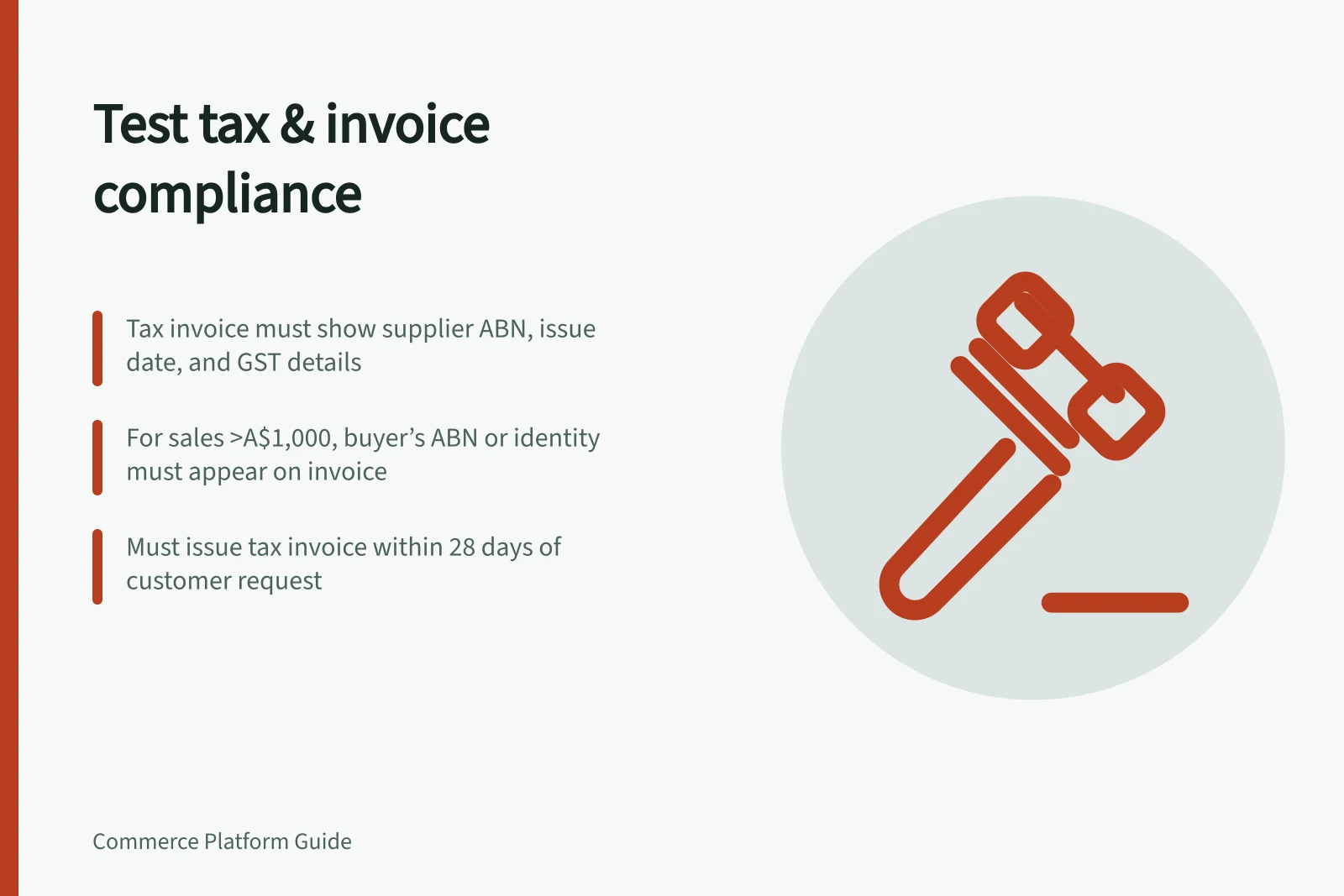
Australian Government guidance, How to invoice, identifies the Australian Taxation Office (ATO) and lists the tax-invoice details to check: the words “tax invoice”, the supplier’s business name and ABN, the issue date, a description of what was sold including quantity and price, and the GST payable, if any. For sales over A$1,000, it also requires the buyer’s identity or ABN.
A GST-registered business must give a tax invoice for a taxable sale over A$82.50 including GST, or when a customer requests one; the guidance says it must be provided within 28 days of the request. Tax invoices show GST on goods or services sold. Businesses not registered for GST use invoices that do not show tax.
Map the fields to the final record
Field / Where to check it
- “Tax invoice”, supplier name and supplier ABN
- Issued customer-facing tax invoice
- Buyer identity or ABN when required
- Customer account, order and issued document
- Purchase order reference when the customer needs one
- Checkout or sales entry, order and accounting record
- Items, quantity, price and GST payable
- Order lines and issued document
- Issue date
- Issuing system and final document
Use the order and issued invoice as a pair. Pass the core field check when the invoice shows “tax invoice”, the supplier’s business name and ABN, its issue date, each item’s description, quantity and price, and the GST payable, if any.
Keep the supplier’s ABN distinct from the buyer’s identity or ABN. For a sale over A$1,000, pass only if the invoice shows the buyer’s identity or ABN; fail if neither appears.
Check the unique invoice number and payment instructions as useful operational details. They are good additions for record-keeping and payment tracking, rather than items in the listed core tax-invoice requirements.
Record which fields the buyer supplies, which staff can correct, and which come from accounting software. Compare the final invoice with the accounting record so that supplier, buyer, item and GST details remain understandable across both.
Check two orders and a correction
For a GST-registered Australian seller, test a taxable business order over A$82.50 including GST. Pass if a tax invoice is issued; also test a customer request, including one for an order at or below that amount, and check that the invoice is provided within 28 days.
Use an order over A$1,000 to check the buyer field. Pass if the issued invoice contains the buyer’s identity or ABN, alongside the supplier name and ABN, issue date, item description, quantity, price and GST payable, if any.
Then use another customer or location with different billing details and, if relevant, items with different GST treatment. Check that the customer details and item information on the issued invoice match the order.
If a document has a wrong address, tax setting or item description, identify who issues the corrected tax invoice. Check that the original order and accounting trail still make the correction understandable.
Key Australian Tax Invoice Compliance Metrics
- Minimum taxable sale threshold (GST-registered businesses)
- A$82.50 (inclusive of GST)
- Deadline for issuing invoice upon request
- Within 28 days
- Threshold requiring buyer’s ABN or identity
- Sales over A$1,000
- Required field: GST payable amount
- Must be shown if applicable
Check the platform boundary
BigCommerce B2B Edition documents invoice management and a Buyer Portal where company users can pay outstanding invoices. Those capabilities do not establish that a default document meets Australian tax-invoice requirements.
BigCommerce’s REST documentation distinguishes the BigCommerce order ID, used to retrieve an order, from the B2B Edition order ID required to create an invoice from an order. Its order update documentation names poNumber and extraFields; check those values against the order if the buyer supplied a purchase order number or extra information.
Inspect a sample from the proposed configuration, including any invoice app or accounting integration. Reconcile the issued invoice with the order and accounting record, and do not assume a generic platform tax ID field populates the required Australian ABN.