Catalogue Architecture
Part of Ecommerce catalogue architecture
Structuring a large catalogue for usable navigation
Organise a large catalogue with useful categories, consistent attributes and filters that work on real product ranges.
Structure a large catalogue around shoppers' decisions: a clear route into a product group, useful ways to narrow it, and product pages that confirm the choice. Adding categories does not automatically improve navigation. The goal is to help people find a suitable item without knowing the store's internal terminology.
Build categories around buying tasks
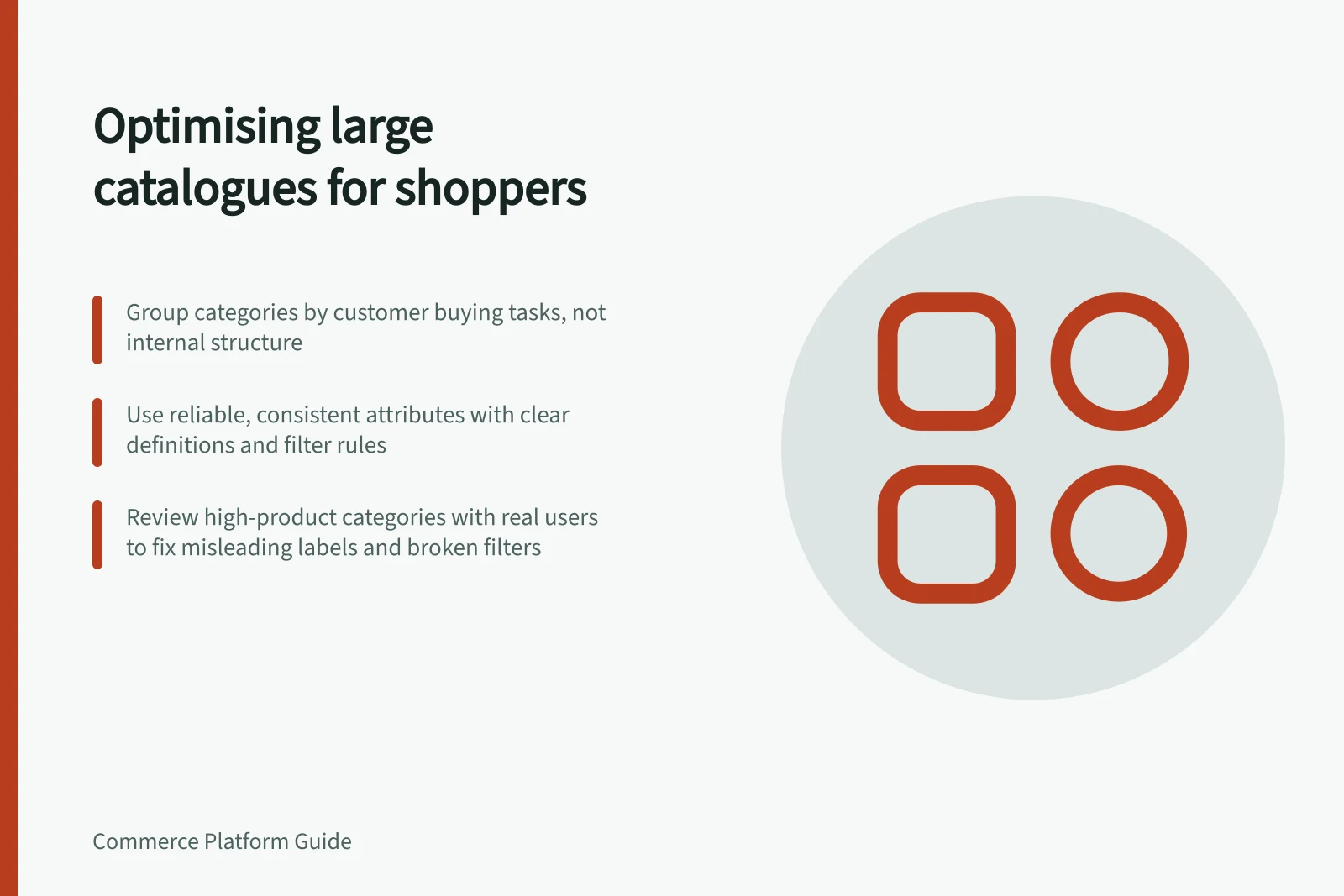
Start with common customer tasks and a sample of real products. Ask where a shopper would look first, then group items by a meaningful type or use. Add a subcategory when it helps someone choose, not merely because the catalogue has grown.
In a hypothetical homewares store, “Dining tables” can be a route, while material, length and seating capacity narrow the results. Making every length a top-level category creates a long menu; one undifferentiated table category may leave too many results to inspect.
Write a brief rule for each category: what belongs, what does not, and who resolves exceptions. Review those rules as suppliers add products, so the structure does not drift through ad hoc placement.
Make attributes reliable
Choose attributes customers use to rule products in or out. Define each field, its permitted values and what happens when data is missing. Normalise supplier terms without hiding distinctions that matter: solid oak and oak veneer should remain distinguishable when construction affects a buying decision, while the same material should not appear under several spellings.
Use filters where they help within a category. A diameter filter may be useful for cookware and irrelevant to bedding. Check that selected values are visible and removable, that the results match the labels and that a zero-result state offers a way back. The product page should explain the property that brought the product into a filtered result.
Inspect the difficult category
Review the category with the most products, one with several useful filters and one with incomplete attribute data. Ask someone unfamiliar with the range to find a suitable item, change a filter and return to the broader result. Record misleading labels and unexpected results. This is a proposed review exercise, not a reported usability test or a theme-buying guide.
Storefront capabilities can constrain the design. Adobe Commerce's standard layered navigation requires configured filterable attributes and is available only for anchor categories; its standard navigation includes a Shop By list of categories and price range. Check the intended storefront and representative products before relying on a particular filtering behaviour. Other platforms and filtering tools need their own configuration check.
Keep routes consistent as products change
A shopper may arrive through a category, search or a direct product page. Use consistent names and core attributes so the item remains recognisable across those routes. When a product is retired or renamed, review its category placement, search wording and any replacement suggestion.
Keep a small register of category rules, filter definitions, data owners and the customer task each supports. Revisit it when a new product family arrives. Navigation remains usable when its rules are maintained alongside the catalogue.