Catalogue Architecture
Part of Ecommerce catalogue architecture
Planning variants, bundles and configurable products
Decide which choices need stock records, which are customer instructions and how bundles should carry components into orders.
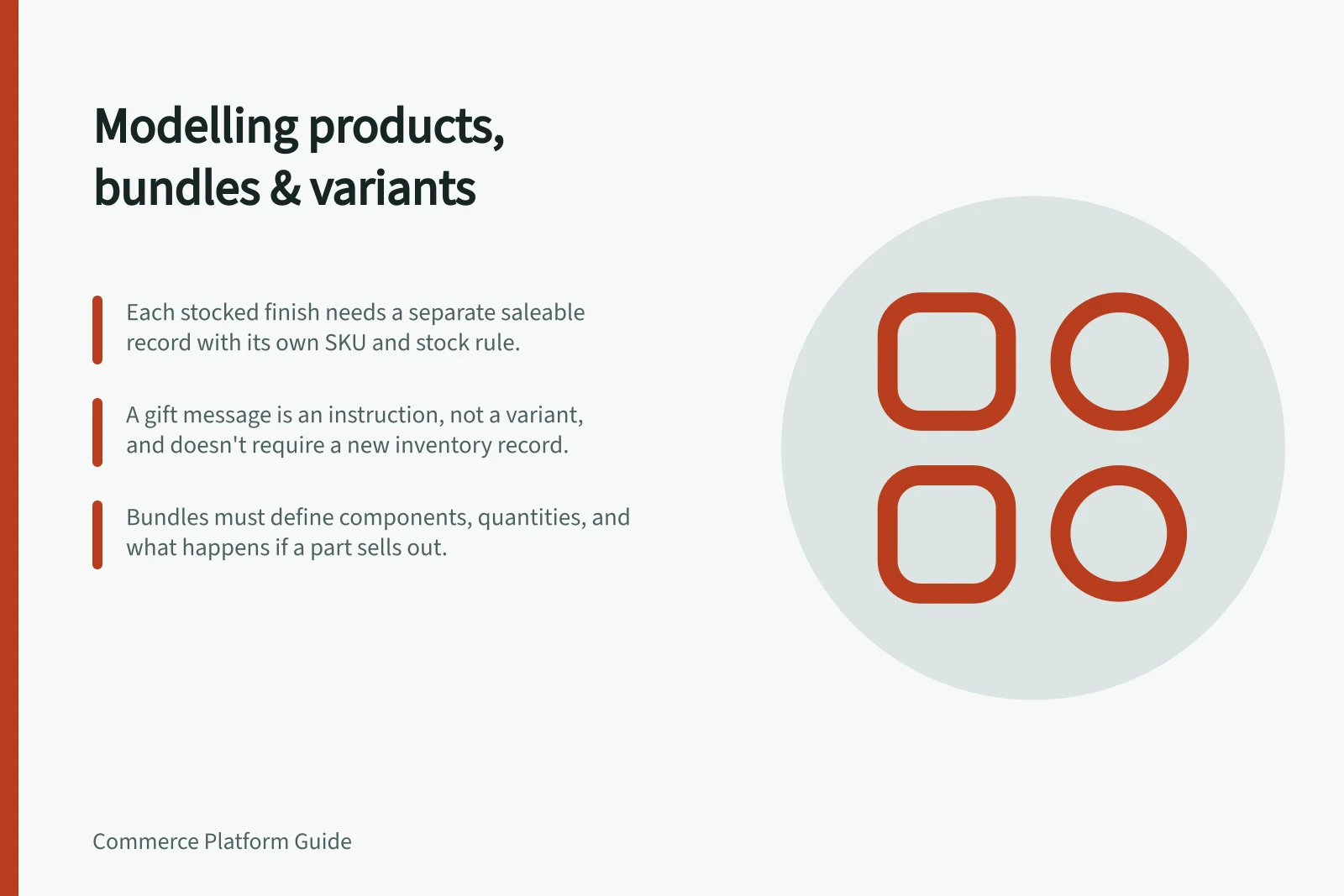
Model a product from the item staff must fulfil. A separately stocked size or finish may need its own saleable record.
A gift message is an instruction attached to an item. A bundle is an offer assembled from components. Keeping these apart makes stock and order records easier to interpret.
Start with each saleable choice
For every choice shown on a product page, ask whether it changes the item supplied. If it does, record its identifier, stock rule and any price, image or weight that differs.
List the combinations the business actually sells, including combinations that must never be offered.
A hypothetical lamp might have two stocked finishes and an optional gift message. The finishes need separate availability records if they are stocked separately. The message must reach the team preparing the order, but it does not create another stocked finish.
| Shopper action | Model to investigate | Order result to check |
|---|---|---|
| Select a stocked size or finish | Variant or child item | Exact item and quantity |
| Enter personalisation text | Customisation field or add-on | Instruction attached to the purchased item |
| Buy a fixed set | Bundle with defined components | Required components and quantities |
| Choose parts of a kit | Configurable bundle or composite workflow | Selected parts and their stock rules |
These are modelling options, not promises that a single product type handles every rule.
Distinguish choices from instructions
BigCommerce products can include variant options represented in a variants array, with SKU and option values. Adobe Commerce configurable products use separate simple products with individual SKUs and inventory for their choices. WooCommerce variations can carry their own price and stock settings.
The practical check is the same across systems: select a choice, change only that item's stock or price, and inspect the resulting order. Also check an unavailable combination. A product page that looks right may still pass the wrong item or instruction to staff.
Define the bundle relationship
For a fixed set, list every component and quantity. Decide what happens if a component sells out, whether substitutions are allowed and whether fulfilment sees the parts it must pick.
For a kit assembled by the customer, record permitted selections and dependencies between parts.
Bundle tools have different boundaries. WooCommerce Product Bundles groups existing products; its documentation points to Composite Products for kits with more involved component choices.
Adobe Commerce bundle products can use a fixed price or one derived from selected items. Check the exact app, extension or product type proposed before assuming a bundle rule is supported.
Check exceptions before adopting the model
Specify the expected result for an unavailable choice, a sold-out component, a customer instruction and a return involving one component of a multi-item order. For each, record what the shopper sees, which identifier reaches fulfilment and what stock changes.
Choose the model that keeps the shopper's choice clear and the fulfilled items unambiguous. Record any exception that staff would otherwise have to catch manually.