Catalogue Architecture
Part of Ecommerce platform implementation
Choosing a staged launch rather than a full catalogue release
Decide which products to release first, avoid unintended purchase paths and set a clear rule for expanding an ecommerce catalogue.
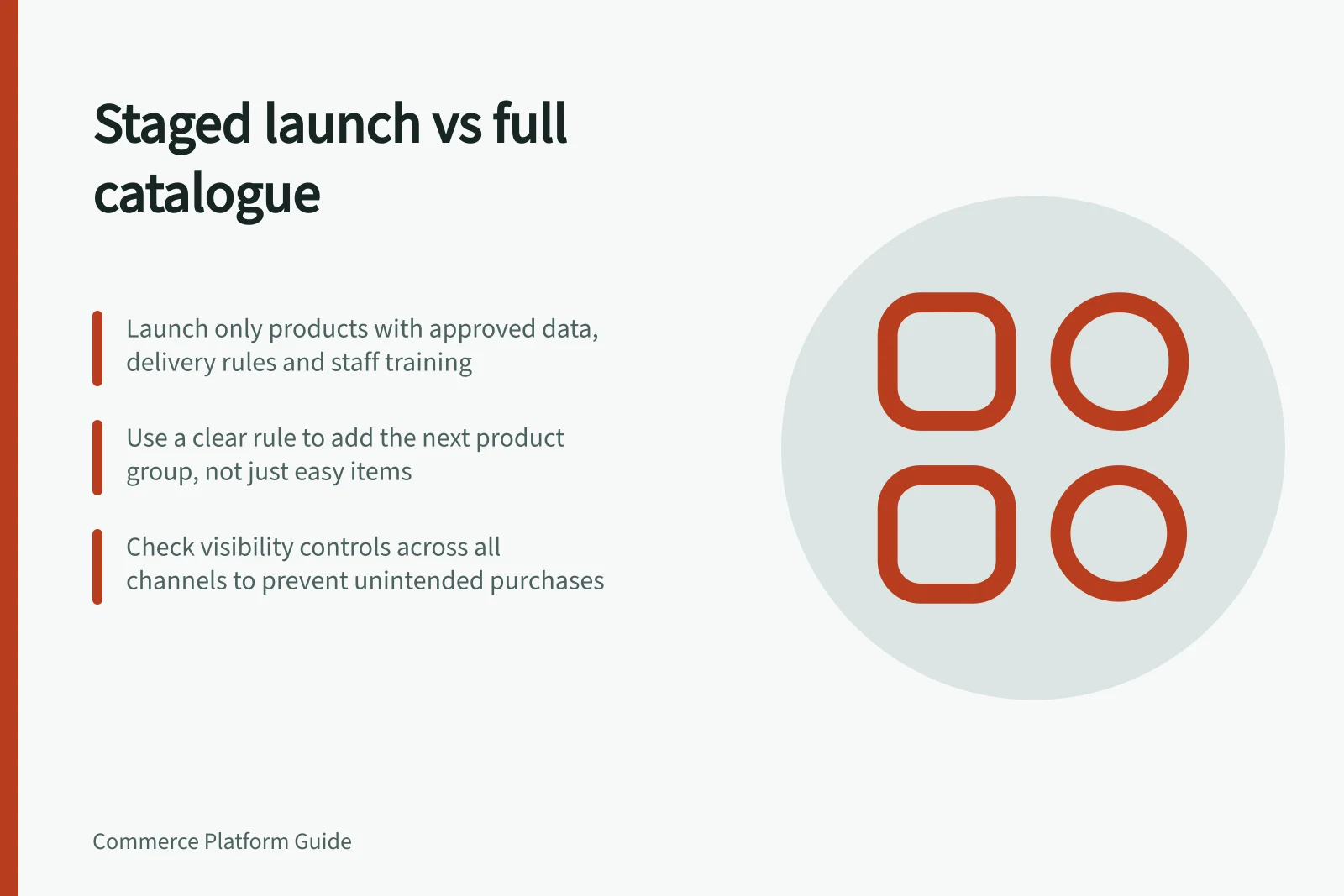
Choose a staged launch when a coherent smaller range can serve customers while other products still lack approved data, delivery rules or staff instructions. Release only the products whose purchase and fulfilment paths are ready, and set a rule for adding the next group. A full catalogue launch is reasonable when the whole range can meet that standard before opening.
Compare the two release choices
| Question | Full catalogue release | Staged release |
|---|---|---|
| Product data | Prices, availability and customer information are approved across the range | A clearly identified first group is approved |
| Operating rules | Staff can handle the range and representative exceptions | Later groups can wait for distinct rules or training |
| Customer offer | The complete range can be presented accurately | The first range is useful and accurately presented on its own |
| Opening decision | Remaining defects do not affect a selling path | Unready products stay unavailable until their path passes review |
Do not choose the first stage solely by selecting the easiest items. Include products that represent the main buying task, including a stocked choice if it is central to the offer.
For each candidate, check its price and availability, product-page explanation, supported delivery area and the item staff will see on the order. Resolve a gap or hold the item.
Full Catalogue Release vs Staged Release: Key Differences
- Product data
- Prices, availability and customer information are approved across the range
- Operating rules
- Staff can handle the range and representative exceptions
- Customer offer
- The complete range can be presented accurately
- Opening decision
- Remaining defects do not affect a selling path
- Product data
- A clearly identified first group is approved
- Operating rules
- Later groups can wait for distinct rules or training
- Customer offer
- The first range is useful and accurately presented on its own
- Opening decision
- Unready products stay unavailable until their path passes review
Check visibility and purchase controls
Do not assume that hiding a category or collection also hides every product. Check the product and sales-channel visibility controls in the chosen setup, and verify what customers can access.
Use the product and channel controls of the chosen setup to achieve the intended result. Then inspect navigation, search, a saved direct URL, basket and checkout. Review other sales channels separately.
If a later product remains visible, its availability message must be accurate and it must not offer an unintended purchase path.
Pre-Launch Checklist for Staged Release
- Verify product visibility settings in the platformEnsure hidden categories don’t expose individual products
- Check sales-channel visibility controlsConfirm what customers see across channels
- Test navigation, search, direct URLs, basket and checkoutValidate user journey for live products only
- Review other sales channels separatelyEnsure consistency across platforms
- Ensure visibility messages are accurate for unready productsAvoid unintended purchase paths
Set the expansion rule
Assign an owner to each later group. Require approved product data, a complete checkout path, a usable order record, fulfilment instructions and customer-service answers before publication.
Group products by shared operating requirements. For example, products using an already checked delivery method may form one group; those needing a new carrier rule can wait together.
Review early orders, unresolved exceptions and customer questions before adding another group. No fixed number of days or orders proves readiness.
Pause expansion when staff must correct orders manually or customers are offered items they cannot receive. Record what needs to change before resuming.
Steps to Implement a Staged Launch
- Assign an owner to each later groupEnsure accountability for readiness checks
- Require approved product data, checkout path, order record, fulfilment instructions and customer-service answersVerify all operational elements before publication
- Group products by shared operating requirementse.g., same delivery method or carrier rule
- Review early orders, unresolved exceptions and customer questionsUse real-world feedback to assess readiness
- Pause expansion if manual corrections are needed or customers receive unfulfillable itemsRecord required changes before resuming
Record the opening decision
List what is live, what is held, who can publish the next group and how a faulty product is withdrawn. Check the first stage on the public storefront with its intended payment and delivery paths. WooCommerce provides Coming soon and Live settings; neither whole-store access control setting replaces product-level checks.
Customers can complete the narrower offer, and the team can use real order handling to decide whether the next group is ready.
Key Metrics to Track During Staged Launch
- Live products
- Number of products currently available for sale
- Products held for review
- Items pending approval or readiness checks
- Next group publisher
- Person or team responsible for releasing the next batch
- Faulty product withdrawal process
- Procedure to remove incorrect or unfulfillable items