Checkout Architecture
Part of Replatforming an online store
Mapping old URLs before a store migration
Build an old-to-new URL map for store products, categories and content, and choose useful destinations before adding redirects.
Decide what happens to each useful old URL before you configure redirects. Record whether it keeps its address, moves to a relevant new page or disappears with no replacement. The destination must meet the visitor’s original buying or information need.
Collect the addresses
Start with the old sitemap and platform page list. Add URLs with visits from analytics or server logs, and pages with incoming links identified in Search Console. Include seasonal pages even if recent traffic is low.
Check product, category, article and service pages separately; a product export will miss other useful landing pages. Include hosted images, downloads or other assets in the move plan where their address changes.
Keep the exact requested address and note any parameter that changes the content or customer task. Deduplicate equivalent entries, but do not merge pages that serve different purposes. For each row, record the page type, current status and what a visitor expects to find.
Choose a disposition
| Old page | Decision | Destination check |
|---|---|---|
| Product still sold | Keep its URL or map to the new product page | Same item and saleable choice are clear |
| Product replaced | Map to a genuine successor if one exists | Difference from the old item is explained |
| Category reorganised | Map to the closest useful category | Shoppers can still narrow the relevant range |
| Advice page consolidated | Map to the page containing that advice | The promised information remains available |
| Page with no similar replacement | Record no destination | Do not assign an unrelated destination |
Record the final address
Give each row a proposed destination, reason, owner and approval state. If several old pages become one consolidated page, record why that page answers each old need. Mark a URL retained if it stays unchanged and the correct page will load there.
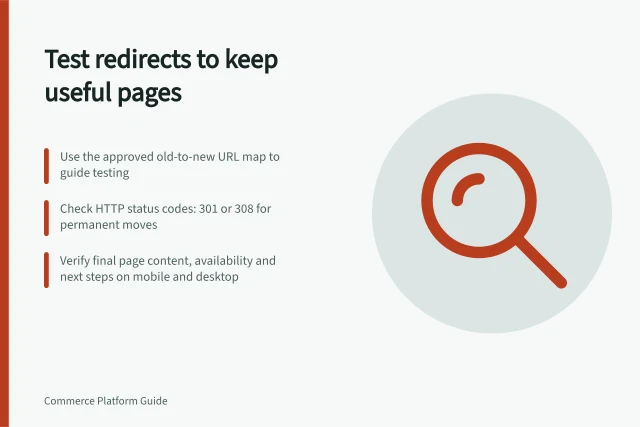
Confirm that proposed destinations exist in the new site plan. Update new-site navigation and canonical references to point to the intended addresses. For changed URLs, Google’s site-move guidance says to configure the server to redirect old URLs to new URLs. Name the final page in the map, even if a platform suggests an intermediate path.
Resolve disputed high-value rows before cutover, especially where a former product or guide has no equivalent. Give the approved map to the people configuring and testing the responses. Record their observed results beside the mapping decisions, but choose destinations first.