Checkout Architecture
Part of Ecommerce checkout architecture
Evaluating checkout customisation limits
Turn checkout changes into requirements and check plan, field, gateway and express-payment limits before committing.
Assess checkout customisation by matching each required change to a supported control and its limits. Branding, fields, payment and delivery presentation, and alternate paths behave differently across Shopify, WooCommerce and BigCommerce; plan access, gateway compatibility and ongoing implementation work can determine what is feasible.
Specify each change
Record where shoppers see the change, why it is needed, what reaches the order or customer record, and who maintains it. Separate a presentation change from a rule that can prevent an order.
Requested change / Evidence to request
- Branding
- Preview in the actual checkout on desktop and mobile
- Extra field
- Placement, validation, storage and staff visibility
- Payment or delivery display
- Eligibility rule and result when no option qualifies
- Order summary
- What can be moved, hidden or calculated
- Custom interface
- Supported APIs, gateway limits and maintenance owner
A fulfilment field is incomplete if it appears on screen but does not reach the staff who need it. Ask for the field’s stored value and its location in the order or customer record.
Check the supported surfaces
Shopify: The checkout and accounts editor is available on Basic and higher plans for standard customisations, including branding such as logos, backgrounds, colours and fonts. Advanced checkout customisation is limited to Shopify Plus: eligible apps can customise the information, shipping and payments pages there, and Checkout UI extensions for checkout UI are available on Plus. Apps for the thank you and order status pages are available on all plans except Shopify Starter.
Shopify Functions can extend or replace parts of the backend with custom logic on all plans except Shopify Starter, although some Function APIs are only available in feature preview. The documented example is creating a new type of discount; the excerpts do not specify payment or delivery rule changes. Merchants with checkout.liquid customisations need to upgrade to Shopify Extensions in Checkout to use Function APIs.
WooCommerce: Confirm the checkout uses the Checkout block before relying on its controls. Its settings include showing or hiding Company, Address Line 2 and Phone fields, and making Address and Phone required; the form fields and other inputs have a Dark Mode Inputs setting. The block’s Payment Options show methods available in the store and compatible with the Checkout block, so the intended gateway must support it.
Additional Checkout block fields have three locations: contact information, addresses, and order information. A contact field is saved to the shopper’s account; an address field appears in both billing and shipping forms and saves separate values for each; an order-information field saves to the order, not the customer’s account or saved address. A field can be registered in only one location, and order-information values are not pre-filled on new orders.
For maintainability, WooCommerce recommends helper methods for accessing additional field values because they are less likely to change, can handle future migrations and support future enhancements. The Order information block appears last by default, but can be moved in the editor.
The WooCommerce Stripe extension lets merchants choose where express buttons appear. Apple Pay and Google Pay can appear on checkout, product and cart pages, and, when the Subscriptions plugin is active, the change payment method page; their call to action, size and colour can also be changed. Amazon Pay and Link allow location and size changes, but Amazon Pay cannot use the change payment method location. Apple Pay and Google Pay cannot be enabled separately.
BigCommerce: Optimized One-Page Checkout can be restyled. Open Checkout is an open-source starting point for moderate changes to checkout on the BigCommerce storefront; the Checkout JS SDK supports significant front-end customisation there, but cannot introduce new behaviour. It can filter shipping methods, but cannot create new shipping or payment methods.
BigCommerce hosted forms do not work with Stencil localhost because the forms use HTTPS and Stencil supports only HTTP. The documented workaround for testing the order confirmation flow on Stencil is to use offline payment methods.
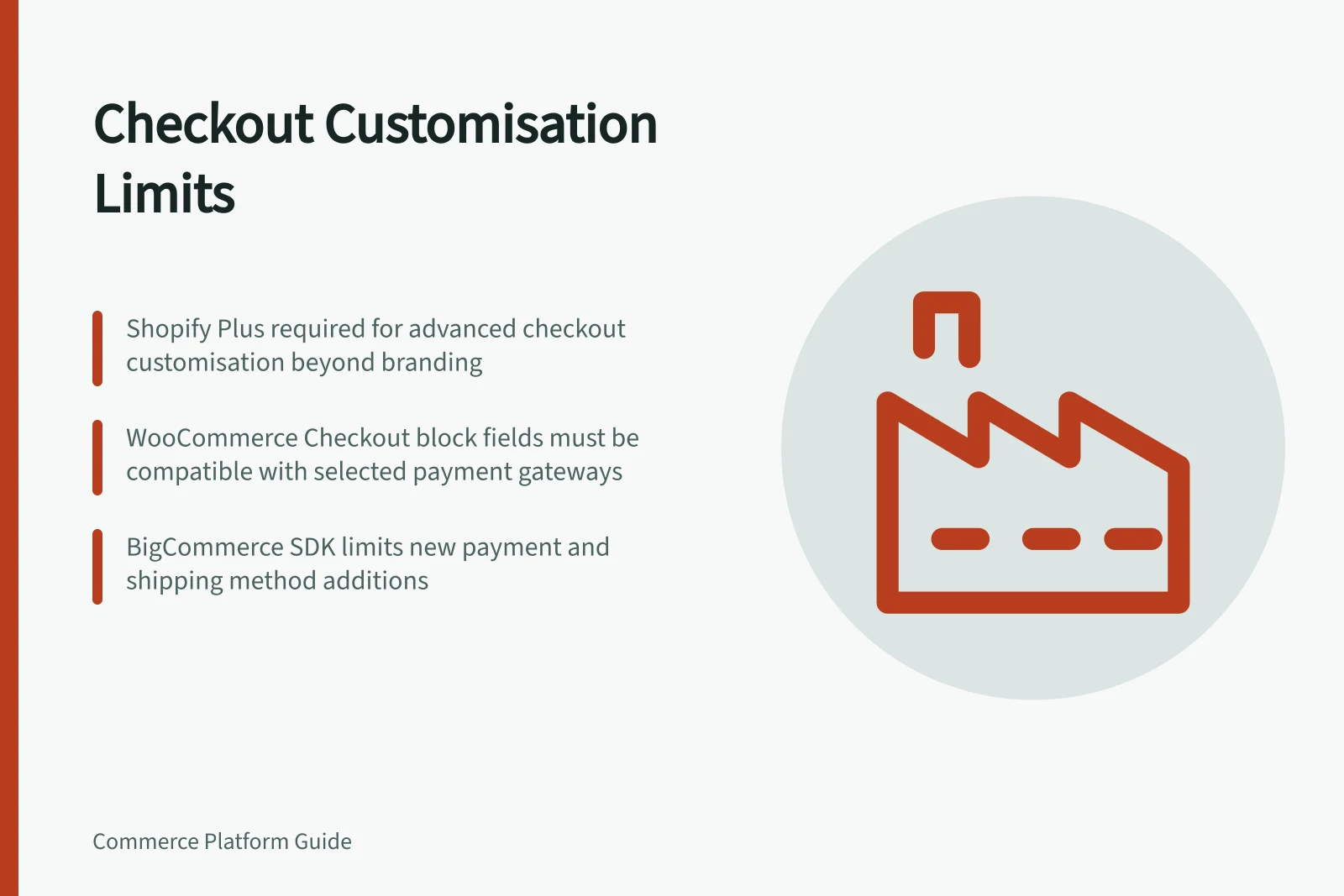
Platform-Specific Checkout Customisation Constraints
- Shopify Plus Required For
- Advanced checkout customisation, Checkout UI extensions
- WooCommerce Field Storage
- Order info saved only in order, not customer account or saved address
- BigCommerce SDK Limit
- Cannot create new payment or shipping methods
- WooCommerce Express Button Control
- Stripe extension allows control over Apple Pay and Google Pay placement
Follow the alternate path
Test each route shoppers will use, including the cart and any express payment buttons. For WooCommerce Stripe, compare the checkout, product and cart button placements with the methods the store intends to expose.
For every required field, check its placement and stored value on the routes being tested. Do not assume that a field configured in the Checkout block is collected through an express button; confirm the result in the actual order or customer record.
Record the plan requirement, supported placement, data destination and maintenance owner for each essential change. On Shopify, distinguish standard editor customisations from Plus-only features; on WooCommerce, verify Checkout block gateway compatibility; on BigCommerce, account for the SDK’s limit on new payment and shipping methods.